 WatchWalls AI
Best Disney Wallpaper for Apple Watch: Mickey, Princesses & More (2026)
Why Disney Wallpapers Work So Well on Apple Watch
Disney wallpaper for Apple Watch is one of the most searched wallpaper categories — and the reason goes beyond nostalgia. Disney characters are designed with bold outlines, high contrast, and simple color palettes. Those exact properties make them ideal for a 1.9-inch OLED screen where detail gets lost and simplicity wins.
Mickey Mouse is a perfect example. His silhouette — round ears, round head — is recognizable even at 40 mm. You do not need fine detail to know it is Mickey. That instant recognition is what separates a great Apple Watch wallpaper from one that becomes an unreadable blob at wrist distance.
The same principle applies across the Disney universe. Pixar characters like Wall-E and Buzz Lightyear have exaggerated proportions that read well at small scale. Disney princesses have flowing silhouettes and distinct color signatures — Elsa is always blue, Rapunzel is always purple, Moana is always teal. Star Wars uses pure black-and-white contrast. Marvel heroes have bold costume colors. Every Disney property translates well to the tiny watch screen because Disney’s design language was built for clarity at any size.
15 Disney Wallpaper Styles for Apple Watch
These styles are ranked by how well they display on the Apple Watch screen and how much variety they offer for different tastes.
1. Mickey Mouse Silhouette on Black
The most iconic Disney wallpaper option. Mickey’s silhouette — just the head and ears — in white or yellow against pure black is the cleanest possible look. The OLED renders the black as fully off, so the silhouette appears to float. This pairs perfectly with Apple’s own Mickey Mouse watch face, creating a consistent theme when you switch between faces. It works on every case color and every band.
2. Disney Princess Portrait
A single princess in her signature color against a dark or gradient background. Elsa works best because her ice-blue palette naturally contrasts with dark surroundings. Belle in her gold dress, Ariel with red hair against ocean blue, and Mulan in her armor are also strong choices. Avoid group shots — at watch scale, individual faces become indistinguishable. One princess, one color, dark background.
3. Pixar Character Close-Up
Pixar characters have oversized eyes and expressive faces that read beautifully at small sizes. Wall-E’s eyes against a dark sky, Nemo’s orange face against deep ocean blue, or Sully’s blue fur filling the frame all produce wallpapers that are instantly recognizable. The key is cropping tight to the face — Pixar’s design language was made for this.
4. Star Wars Dark Side
Darth Vader’s helmet, a red lightsaber in darkness, the Death Star silhouette, or Kylo Ren’s cracked mask — Star Wars dark side imagery is tailor-made for OLED watches. The franchise lives in black, red, and white, which is the exact color palette that works best on Apple Watch. This style is particularly popular with Space Black and midnight case finishes.
5. Baby Yoda (Grogu)
Grogu’s face against a dark Mandalorian background has become one of the most popular Apple Watch wallpapers since 2020 and shows no sign of slowing down. The large eyes and green skin create natural contrast. Search for “Grogu portrait dark background” on any wallpaper site and you will find dozens of options already cropped for smartwatches.
6. Disney Villain Portrait
Maleficent, Ursula, Scar, or Cruella — Disney villains have dramatic faces with strong angular features that pop at small sizes. The dark, moody color palettes of villain artwork naturally suit the OLED display. Villain wallpapers are the Disney equivalent of the dark-mode aesthetic and pair well with black or dark green bands.
7. Marvel Superhero Logo
The Avengers A, Spider-Man’s mask, Captain America’s shield, or Iron Man’s arc reactor — Marvel logos and symbols are graphic, bold, and instantly recognizable. They work better than full character shots because the geometric shapes hold up at any size. A white Avengers logo on black is one of the most versatile Disney wallpapers you can use.
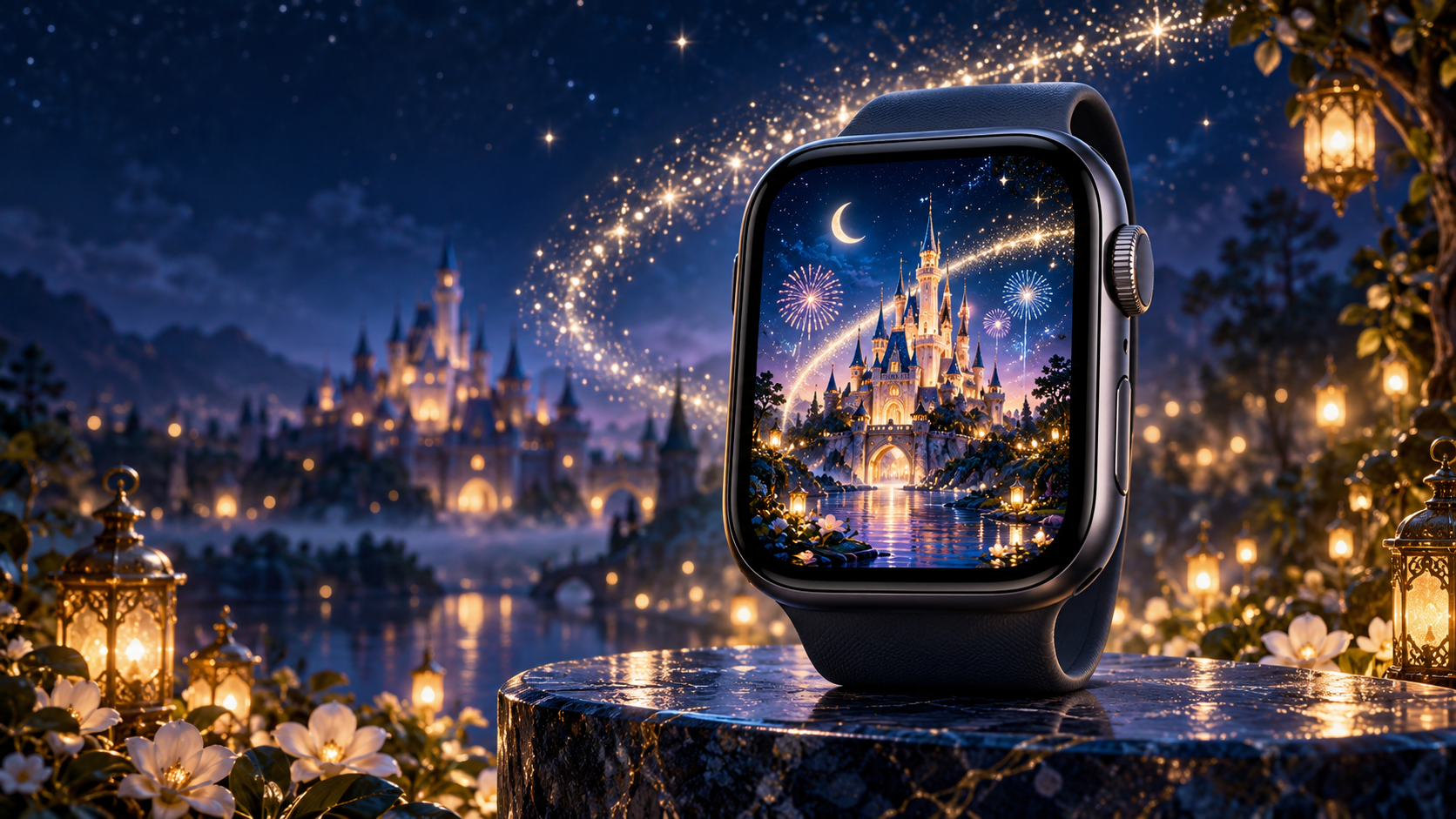
8. Disney Castle Silhouette
The Cinderella Castle or Sleeping Beauty Castle silhouette against a sunset or fireworks sky is the universal Disney icon. For Apple Watch, shoot for a version where the castle is a dark silhouette against a colorful sky — the dark base supports complications while the sky adds visual interest at the top. This is a great wallpaper choice for Disney park annual passholders.
9. Winnie the Pooh
Pooh’s warm yellow body against a soft background creates a gentle, calming wallpaper that contrasts with the tech-forward look of most watch faces. This style is especially popular as a comfort wallpaper — something warm and familiar for daily wear. Pair it with a honey-gold or tan Sport Band for the full Hundred Acre Wood effect.
10. Disney Park Artwork
Retro Disney Parks poster art — the vintage-style attraction posters for Space Mountain, Haunted Mansion, or Pirates of the Caribbean — has a graphic quality that translates well to watch scale. The flat colors, bold typography, and limited palette all work at small sizes. Disney Parks Blog regularly releases official phone and watch wallpapers in this style.
11. Frozen Ice Patterns
Elsa’s ice crystal patterns — geometric snowflakes, frost textures, and blue-white gradient ice — create abstract wallpapers that reference Frozen without showing a character. This is the Disney wallpaper for adults who want something subtle. The ice-blue palette works particularly well with the Silver and Starlight case finishes and blue Sport Bands.
12. Lion King Sunset
The Pride Rock silhouette against a golden African sunset is one of the most recognizable frames in cinema history. As a wallpaper, it provides a dark lower half (the rock) for complications and a warm upper half (the sky) as the visual anchor. The warm amber tones match leather bands and gold cases beautifully.
13. Disney Stitch
Stitch’s face — blue fur, big eyes, wide grin — fills the Apple Watch screen with personality. The character’s design is inherently round and compact, which maps perfectly to the watch’s proportions. Stitch wallpapers are consistently among the top searched Disney watch wallpapers, and the bright blue stands out on any band color.
14. Nightmare Before Christmas
Jack Skellington’s face, the spiral hill, or Zero the ghost dog — Tim Burton’s black-and-white aesthetic was practically designed for OLED displays. The extreme contrast means every detail remains sharp at watch scale. This is the go-to Disney wallpaper for the spooky-but-not-scary aesthetic, and it works year-round, not just at Halloween. For more seasonal options, see our Halloween Apple Watch wallpaper guide.
15. Disney Quotes Typography
A single Disney quote in clean typography against a dark background — “To infinity and beyond,” “Hakuna Matata,” “Let it go,” or “Just keep swimming.” Keep the text to four words maximum at watch scale. Use a sans-serif font in white on black. Anything longer becomes unreadable. This style works as a daily motivation wallpaper with a personal Disney touch.
Official Disney Watch Faces vs Custom Wallpapers
Apple offers three official Disney-themed watch faces built into watchOS:
- Mickey Mouse and Minnie Mouse: Animated characters that speak the time when tapped. Mickey or Minnie’s arms move to show the current hour and minute like traditional clock hands. Available on all Apple Watch models.
- Toy Story: Animated Woody, Buzz, and Jessie characters that change poses throughout the day. Each raise of the wrist shows a different animation.
These official faces are animated and interactive — something a static wallpaper cannot replicate. However, custom wallpapers offer two advantages: unlimited character choices (official faces only cover Mickey, Minnie, and Toy Story) and full control over the visual style. If your favorite character is Stitch, Grogu, or Maleficent, a custom wallpaper via the Photos face is your only option.
You can switch between an official Disney face and a custom Disney wallpaper using Focus modes — Disney face for weekends, professional wallpaper for workdays. For instructions on setting up custom photo wallpapers, see our how to change Apple Watch wallpaper guide.
How to Crop Disney Images for Apple Watch
Disney images are often landscape-oriented (movie screenshots, poster art), but the Apple Watch screen is portrait. Cropping correctly makes the difference between a wallpaper that looks intentional and one that looks randomly zoomed.
Step 1: Find the highest-resolution version. Disney fan sites often provide images at 4K or higher. Start with the largest version you can find — you will lose quality when cropping to 396×484 px.
Step 2: Crop to 4:5 portrait orientation. The Apple Watch screen is slightly taller than it is wide. Use any photo editor (iPhone Photos app works fine) to crop to roughly 4:5 ratio.
Step 3: Center the character face in the upper 60%. Complications display in the lower portion of the watch face. If your character’s face is centered vertically, the time overlay will cover their chin or body. Push the face upward in the frame.
Step 4: Check background darkness. If the background is too bright, the time digits become hard to read. For Disney images with light backgrounds (like Rapunzel’s lantern scene), add a subtle dark gradient overlay using any photo editor before setting as wallpaper.
For the complete wallpaper-setting process, see how to create an Apple Watch face from a photo.
Resolution Reference Table
| Apple Watch Model | Screen Size | Recommended Resolution | Aspect Ratio |
|---|---|---|---|
| Ultra 2 / Ultra 3 | 49 mm | 410×502 px | ~4:5 |
| Series 7-10 (45 mm) | 45 mm | 396×484 px | ~4:5 |
| Series 7-10 (41 mm) | 41 mm | 352×430 px | ~4:5 |
| Series 4-6 (44 mm) | 44 mm | 368×448 px | ~4:5 |
| Series 4-6 (40 mm) | 40 mm | 324×394 px | ~4:5 |
| SE (2nd gen) | 40 mm / 44 mm | 324×394 / 368×448 px | ~4:5 |
Band Matching for Disney Fans
Disney wallpapers pair best with bands that echo the character’s color palette:
- Mickey silhouette + red Sport Band: Mickey’s signature shorts color. Classic and unmistakable.
- Elsa / Frozen + light blue Sport Band: Ice-blue on wrist and screen creates a monochrome frozen look.
- Star Wars dark side + black Milanese Loop: All-dark from screen to band. The metal mesh adds a sci-fi texture.
- Winnie the Pooh + honey/tan leather band: Warm tones that match Pooh’s golden color and the Hundred Acre Wood palette.
- Marvel + red and blue braided Solo Loop: The Spider-Man or Captain America color combo in band form.
- Nightmare Before Christmas + black and white striped band: Third-party bands with Jack Skellington’s pin-stripe suit pattern are available on Etsy and Amazon.
- Lion King + orange/amber Sport Band: Sunset tones from the screen carried through to the wrist.
For the complete band-matching methodology, see our Apple Watch band and face matching guide.
Browse the full WatchWalls collection — hundreds of curated Apple Watch wallpapers including character portraits, movie scenes, and themed designs for every Disney fan.
Browse All Apple Watch Wallpapers →
Free Sources for Disney Apple Watch Wallpapers
Finding high-quality Disney images that crop well to Apple Watch proportions requires knowing where to look:
- Disney Parks Blog: Official Disney wallpapers released for phones and watches. These are the only 100% copyright-safe option since they come directly from Disney.
- Pinterest — Disney Apple Watch Wallpaper: Thousands of fan-created and curated Disney wallpapers, many already sized for Apple Watch. Quality varies — look for pins from accounts with large followings.
- Disney+ screenshot method: Pause your favorite Disney+ scene on a dark moment, take a screenshot on your iPhone, and crop it. This gives you a unique wallpaper from exactly the frame you want. The resolution is sufficient for Apple Watch since the watch screen is small.
- Disney Clips International: Fan-curated PNG character art with transparent backgrounds. Download a character, place them on a dark background in any photo editor, and crop to watch dimensions.
- Etsy: Search “Disney Apple Watch wallpaper” for professionally designed packs ($2-5) with multiple character options already sized and optimized. This is the fastest path to a high-quality result.
Copyright and What to Avoid
Disney is one of the most actively enforced trademarks in the world. For personal use on your own Apple Watch, using Disney character images as wallpapers is generally fine — you are not redistributing or selling anything. However, there are boundaries worth understanding:
- Do not sell Disney wallpapers. Creating and selling Apple Watch wallpaper packs with Disney characters without a license violates copyright.
- Do not use AI-generated Disney characters. AI image generators that produce “Mickey Mouse” or “Elsa” output are generating derivative works of copyrighted characters. The legal status is uncertain, and the quality is usually poor compared to official artwork.
- Official sources are always safest. Wallpapers from Disney Parks Blog, the Apple Watch face gallery, and licensed Etsy sellers carry no risk.
- Screenshots from Disney+ for personal use are low-risk. You are not redistributing the content. This is the same as taking a photo of your TV screen.
FAQ
Does Apple Watch have official Disney watch faces?
Yes. Apple Watch includes official Mickey Mouse, Minnie Mouse, and Toy Story animated watch faces built into watchOS. Mickey and Minnie speak the time when tapped, and Toy Story characters change poses with each wrist raise. These are available on all Apple Watch models running watchOS 4 or later.
How do I set a Disney wallpaper on my Apple Watch?
Open the Watch app on your iPhone, tap Face Gallery, select the Photos face, and choose your Disney image from your photo library. Crop it to center the character in the upper portion of the frame. The wallpaper syncs to your watch automatically. You can also long-press on your watch face, swipe to the + icon, and add a Photos face directly.
What size should a Disney Apple Watch wallpaper be?
For the 45 mm Apple Watch (Series 7-10), use 396×484 pixels. For the 41 mm model, use 352×430 pixels. For Ultra models, use 410×502 pixels. All follow a roughly 4:5 aspect ratio. Save as JPEG or PNG — both work in the Watch app.
Where can I download free Disney Apple Watch wallpapers?
The Disney Parks Blog releases official free wallpapers periodically. Pinterest has thousands of fan-made options sized for Apple Watch. You can also screenshot scenes from Disney+ on your iPhone and crop them to 396×484 px. For professionally designed packs, Etsy sellers offer Disney-themed Apple Watch wallpaper bundles for $2-5.
Can I use any Disney image as my Apple Watch wallpaper?
For personal use on your own watch, yes — using any Disney image as a wallpaper is generally fine. You are not distributing or selling the image. However, do not use Disney character images to create wallpaper packs for sale, as that violates copyright. For the safest options, use official images from Disney Parks Blog or licensed sellers.