 WatchWalls AI
Best Forest Wallpaper for Apple Watch: Misty Woods, Pine & Enchanted (2026)
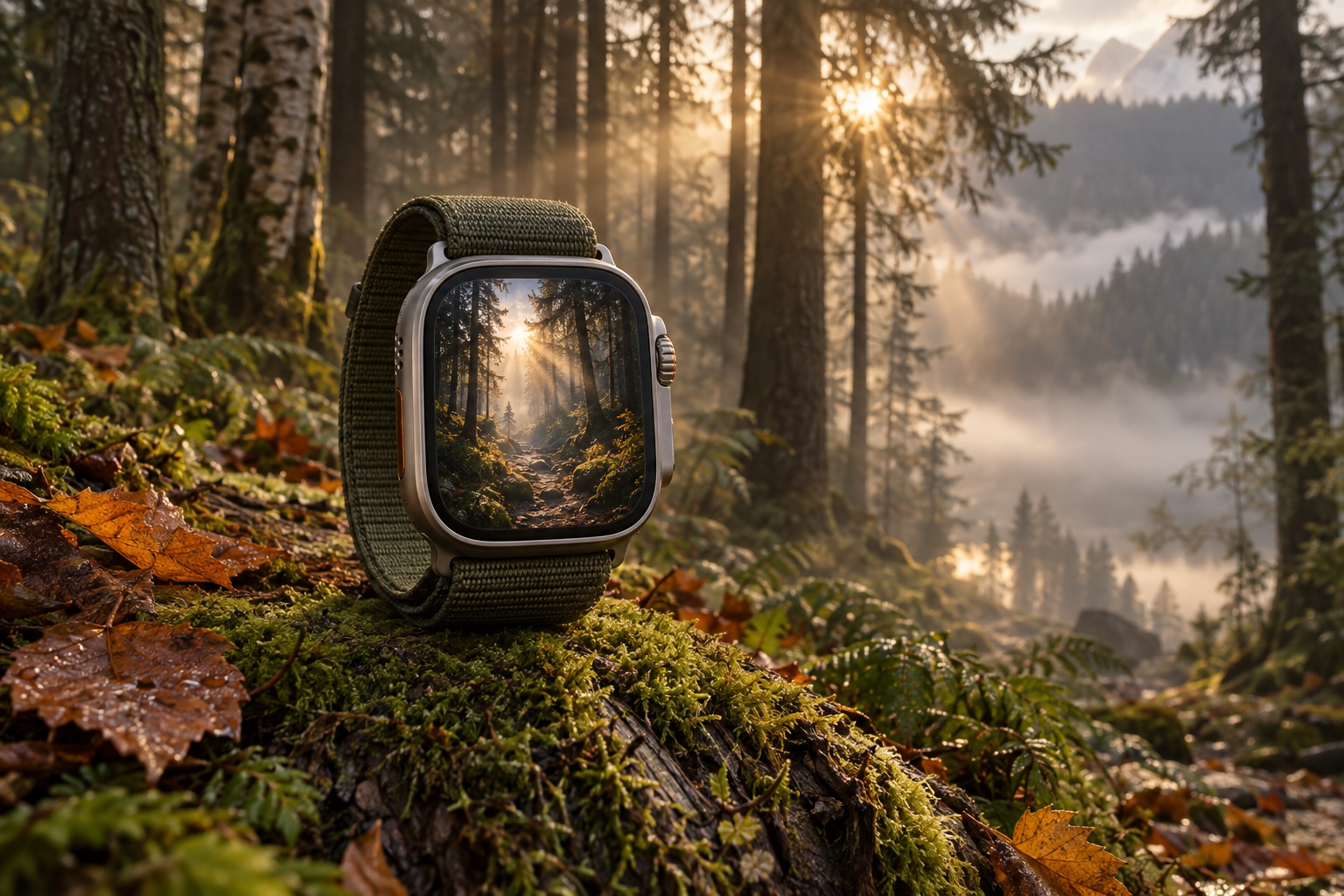
Why Forest Wallpapers Work on Apple Watch
Forest wallpaper for Apple Watch succeeds for a reason most people do not consciously notice: trees are vertical, and the Apple Watch screen is vertical. Every tree trunk runs from bottom to top — the same direction as the portrait 4:5 frame. A forest scene fills the watch with natural vertical lines that reinforce the screen’s orientation instead of fighting it. No horizontal landscape, no awkward crop — just trees standing tall in the exact aspect ratio the screen was built for.
On the OLED display, forests have a natural technical advantage. The interior of a forest is dark — shadows between trunks, the forest floor in shade, the canopy blocking direct sunlight. These dark areas render as off pixels on OLED, consuming zero battery. The bright elements — shafts of light piercing through leaves, mist catching sun, autumn colours glowing — become the focal points that glow against true darkness. “I change my watch face wallpaper every season — fall leaves in October, snow in December. It’s the little things,” as one Reddit user shared. Forests offer wallpaper options for every season.
There is also a well-documented psychological benefit. Exposure to images of forests — even on screens — activates a measurable relaxation response. A forest on the wrist creates a micro-dose of nature with every time check. It is not a replacement for an actual walk in the woods, but it is a reminder that the woods exist, and that reminder has value in the middle of an urban day.
For more nature themes, see our nature wallpaper guide. For autumn-specific options, see fall wallpapers. For mountain landscapes, see mountain wallpapers for Apple Watch.
12 Forest Wallpaper Styles for Apple Watch
Ranked by OLED display impact, watch-scale clarity, and the mood each forest creates.
1. Misty Forest Path
A trail disappearing into fog between dark tree trunks — the classic atmospheric forest scene. Fog simplifies the visual complexity of a forest by hiding distant detail, which is exactly what works at 41 mm. The path creates depth that draws the eye into the frame, and the mist provides a natural gradient from dark foreground to bright-misty background. The dark tree trunks at the sides provide OLED-efficient framing. This is the most universally appealing forest wallpaper.
2. Sunlight Through Canopy
Beams of golden sunlight streaming through the forest canopy — light rays made visible by mist or dust particles. These crepuscular rays are one of nature’s most dramatic lighting effects, and they create natural directional lines that fill the portrait screen with warm energy. The contrast between bright rays and dark shadow produces the strong OLED contrast that makes the light appear to genuinely glow. Shoot or source these during golden hour for the warmest tones.
3. Autumn Forest (Golden Leaves)
A forest in peak autumn colour — gold, orange, red, and amber leaves against dark bark. Autumn forests are the most colourful forest wallpapers, and the warm tones glow on OLED with the same intensity as sunset wallpapers. The P3 display renders autumn oranges and reds with exceptional saturation. This is the most seasonal forest style — peak relevance from September through November, but the golden colour palette works year-round for people who love warmth.
4. Dark Pine Forest
Dense conifer forest in deep shadow — dark green pine needles, near-black trunks, minimal light. This is the moodiest forest wallpaper and the most OLED-efficient, with 80-90% dark pixels. The deep green is one of the P3 gamut’s strongest colours, rendering with a richness that standard screens cannot match. This style evokes Nordic wilderness, Scandinavian design, and the solitude of deep woods. Pair with our black wallpaper collection for maximum dark-mode energy.
5. Enchanted Forest (Fantasy)
A fantasy forest with magical elements — glowing mushrooms, fireflies, bioluminescent moss, fairy lights among the trees. Enchanted forests add supernatural colour to natural darkness, creating wallpapers that glow with otherworldly light on OLED. The bright magical elements (blue fireflies, green glowing moss) float against true-black forest shadow. This style appeals to fantasy fans, gamers, and anyone who wants nature with a touch of magic.
6. Birch Forest
White birch trunks in a row — the distinctive pale bark creating vertical white lines against dark undergrowth. Birch forests have a unique graphic quality: the white trunks are essentially natural stripes on a dark background. This geometric regularity reads cleanly at any watch size and creates a wallpaper that bridges nature photography and abstract pattern. The white-on-dark contrast is inherently OLED-friendly.
7. Forest Floor Close-Up
The forest floor in macro detail — moss, fallen leaves, mushrooms, ferns, and tiny plants filling the frame. This shifts perspective from looking through the forest to looking down at the ground, creating a wallpaper with rich texture rather than depth. Forest floor macros are dense with detail that rewards close inspection. Dark earth and shadow dominate the palette, with bright moss or mushroom accents as focal points.
8. Night Forest with Stars
Dark tree silhouettes against a starry sky — looking upward through the canopy at the night sky. This combines forest and celestial imagery in a single frame: dark nature below, cosmic light above. The tree branches frame the stars like a natural window. The dark trees use zero OLED power while the stars glow above them. Connects to our constellation wallpaper and moon wallpaper collections.
9. Bamboo Forest
Tall bamboo stalks rising straight up — green poles filling the frame with perfect vertical lines. Bamboo forests (like Kyoto’s Arashiyama) are the most geometric natural forest, with stalks that are essentially green cylinders in parallel rows. The vertical lines reinforce the portrait orientation of the watch screen. The green colour renders with P3 gamut advantage. This style carries Japanese cultural association and Zen aesthetic.
10. Redwood / Giant Tree
Looking upward along the trunk of a massive redwood or sequoia tree — the perspective converging to a point far above in the canopy. This forced-perspective composition creates dramatic scale on the tiny watch screen: a 300-foot tree on a 45 mm display. The dark bark dominates the frame with bright sky or leaves at the convergence point above. This is the most awe-inspiring forest wallpaper.
11. Forest Stream
A small stream or creek winding through a forest — water reflecting trees and sky, surrounded by moss-covered rocks. Forest streams combine two nature elements (water and trees) in one wallpaper. The water adds brightness and movement to the otherwise dark forest scene. Long exposure makes the stream silky white against dark stones and green forest. Connects to our waterfall wallpaper collection for a gentler water-in-nature variant.
12. Minimalist Forest Silhouette
Simple tree silhouettes — black pine or fir tree outlines against a gradient sky. This is the most minimal forest wallpaper: no photographic detail, just the iconic tree shapes. The silhouettes read perfectly at any watch size because they are defined by strong, simple shapes. A row of pine silhouettes against a deep teal or amber gradient creates a wallpaper that is simultaneously forest and abstract. The most versatile forest style for professional settings.
Forest by Season — Choosing Your Mood
| Season | Forest Look | Colours | Best Styles | Mood |
|---|---|---|---|---|
| Spring | Fresh green, new growth | Bright green, white blossoms | Bamboo, Birch, Forest Floor | Renewal, freshness |
| Summer | Full canopy, deep shade | Dark green, golden light | Sunlight Through Canopy, Pine | Abundance, warmth |
| Autumn | Colour change, falling leaves | Gold, orange, red, brown | Autumn Forest, Forest Path | Nostalgia, warmth |
| Winter | Bare branches, snow on pines | White, grey, dark green | Dark Pine, Night Forest | Stillness, solitude |
Rotate your forest wallpaper with the seasons for maximum emotional alignment. Use Focus modes to automate: spring face from March, summer from June, autumn from September, winter from December.
Cropping Forest Images for Apple Watch
Shoot or crop in portrait orientation. Forests are vertical subjects. A landscape-oriented forest photo wastes most of its width when cropped to 4:5. Shoot vertically from the start or choose source images that are already portrait-oriented.
Include a clear path or light source. A wall of trees without a focal point looks flat at watch scale. A path leading into the distance, a beam of light, or a bright gap in the canopy gives the eye somewhere to go. Position this focal element in the upper 40% of the frame.
Embrace the darkness. Forest interiors are supposed to be dark. Do not brighten the shadows in post-processing — the darkness is what makes the light elements glow on OLED and what saves battery. A forest with 60% dark pixels is ideal.
Target resolution: 396×484 px for 45 mm (Series 7-10), 352×430 px for 41 mm, 410×502 px for Ultra.
For the full wallpaper-setting process, see how to change Apple Watch wallpaper.
Resolution Reference Table
| Apple Watch Model | Screen Size | Recommended Resolution | Aspect Ratio |
|---|---|---|---|
| Ultra 2 / Ultra 3 | 49 mm | 410×502 px | ~4:5 |
| Series 7-10 (45 mm) | 45 mm | 396×484 px | ~4:5 |
| Series 7-10 (41 mm) | 41 mm | 352×430 px | ~4:5 |
| Series 4-6 (44 mm) | 44 mm | 368×448 px | ~4:5 |
| Series 4-6 (40 mm) | 40 mm | 324×394 px | ~4:5 |
| SE (2nd gen) | 40/44 mm | 324×394 / 368×448 px | ~4:5 |
Band Matching for Forest Wallpapers
- Misty forest + green Alpine Loop: Forest green from screen to wrist. The quintessential outdoor pairing.
- Autumn forest + orange Sport Band: Warm autumn leaves extended to warm band. Seasonal and cohesive.
- Dark pine + midnight braided Solo Loop: Dark on dark. Deep forest stillness from screen to wrist.
- Birch forest + white Sport Band: White birch trunks echoed in white band. Clean and graphic.
- Enchanted forest + purple braided Solo Loop: Magical glow on screen, deep colour on wrist. Fantasy energy.
- Night forest + black Sport Band: Total darkness with star accents. The band disappears, the sky glows.
- Forest path + brown leather Classic Buckle: Nature trail on screen, leather on wrist. The hiker’s heritage pairing.
For more combinations, see our band and face matching guide.
Browse the full WatchWalls collection — hundreds of curated Apple Watch wallpapers including forest, nature, and woodland designs for every model.
Browse All Apple Watch Wallpapers →
Photographing Forests for Your Watch
- Golden hour is non-negotiable. The hour after sunrise and before sunset creates the light rays and warm tones that define great forest photography. Midday light is flat and creates harsh shadows that look messy at watch scale.
- Look up. Some of the best forest wallpapers come from pointing your camera straight up through the canopy. The converging tree trunks and bright sky above create a natural portrait composition.
- Use Live Photo → Long Exposure if a stream or waterfall is in the scene. The silk-water effect adds a premium quality to forest stream shots.
- Fog and mist are gold. If your local forest is foggy in the morning, that is the perfect time. Fog simplifies complexity, adds depth, and creates the atmospheric quality that makes forest wallpapers special.
- Shoot in portrait. Your watch is portrait. Your forest should be too.
Free Sources for Forest Wallpapers
- Unsplash — Forest Dark: Professional forest photography. Search “misty forest path” or “forest sunlight” for the most atmospheric results.
- Pexels — Forest: Free forest images across all seasons. Filter by portrait orientation.
- Pinterest — Forest Apple Watch: Community boards with pre-sized forest wallpapers.
- Your own iPhone: Visit your local forest or park during golden hour. Portrait orientation, look for light rays, embrace the shadows. Your own forest is more meaningful than any stock image.
- Canva free tier: Search “forest” or “woodland” in Photos for cropping-ready images at 396×484 px.
FAQ
What is the best forest wallpaper for Apple Watch?
A misty forest path with dark tree trunks and filtered light is the best overall choice. The fog simplifies visual complexity for the small screen, the path creates depth, and the dark trunks save OLED battery. For more colour, an autumn forest with golden leaves provides maximum warmth and P3 colour saturation.
Do forest wallpapers save battery on Apple Watch?
Yes. Forest interiors are naturally dark — shadows, tree trunks, and the forest floor are predominantly dark tones. A typical forest wallpaper has 60-80% dark pixels, which use zero OLED power. Dark pine forests can reach 80-90% dark pixels, making them among the most battery-efficient nature wallpapers available.
How do I photograph a forest for my Apple Watch?
Visit during golden hour (first or last hour of daylight) for warm light rays. Shoot in portrait orientation. Look for paths, light beams, or gaps in the canopy as focal points. Fog or mist adds atmosphere that works especially well at watch scale. Use iPhone’s Live Photo → Long Exposure for any streams in the scene.
What size should a forest Apple Watch wallpaper be?
For the 45 mm Apple Watch (Series 7-10), use 396×484 pixels. For 41 mm, use 352×430 pixels. For Ultra models, use 410×502 pixels. Crop in portrait orientation to match the vertical tree trunks and position any light source in the upper third.
Where can I find free forest wallpapers for Apple Watch?
Unsplash and Pexels have thousands of free forest photographs across all seasons. Search “misty forest” or “forest dark” for OLED-ready results. Pinterest has pre-sized Apple Watch forest wallpapers. Your own iPhone can capture excellent forest photos during golden hour at any local forest or park.
