 WatchWalls AI
Apple Watch Series 12 Wallpaper: Ceramic, Sizes & Best Designs
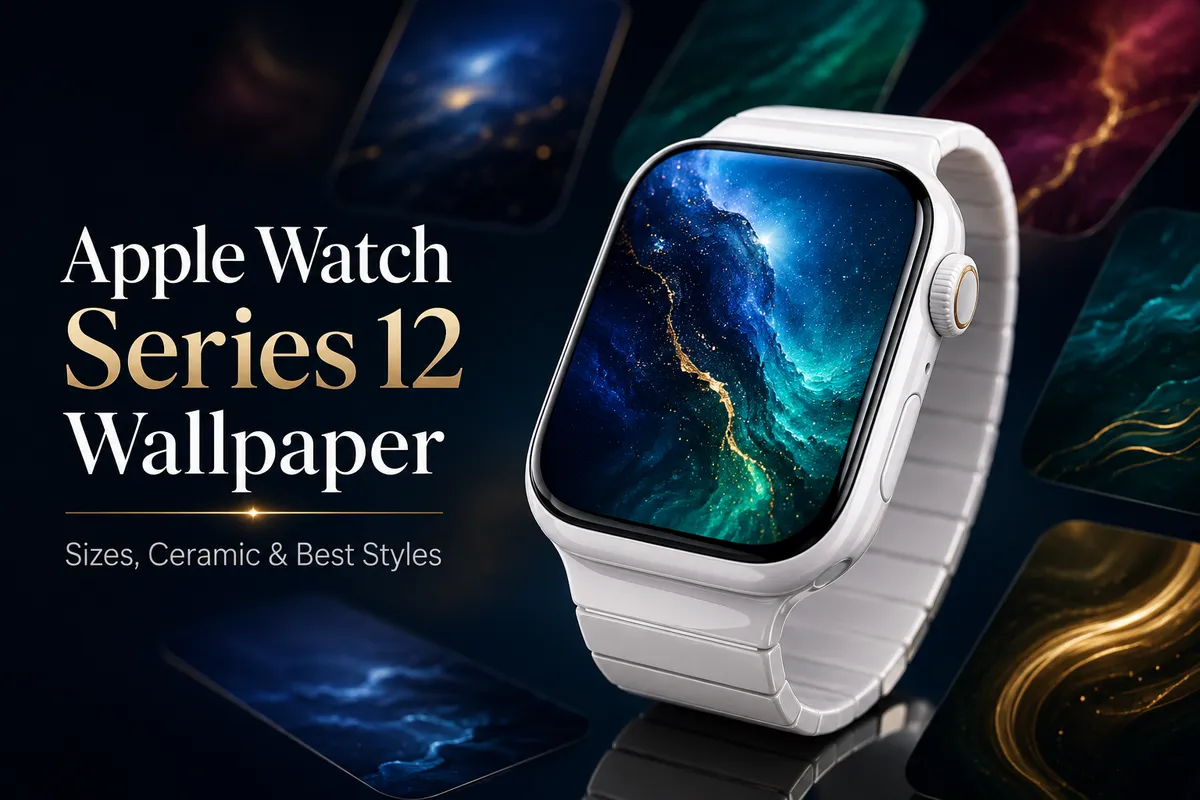
Note: Apple Watch Series 12 has not been officially announced yet. This guide is based on reliable leaks and will be updated with confirmed specs after Apple’s September event.
Quick Answer: Apple Watch Series 12 is expected to ship in two sizes — 42mm (374×446 pixels) and 46mm (416×496 pixels) — matching the Series 10 and Series 11 displays. The big news? Ceramic is back. The white ceramic finish changes everything about which wallpapers look best on your wrist. Dark, saturated designs with deep blues, emerald greens, and burgundy tones will pop against the white case. You can start building your perfectly sized wallpapers right now so they’re ready for launch day.- What We Know About Apple Watch Series 12 Display
- Apple Watch Series 12 Wallpaper Sizes
- Best Wallpaper Styles for the Ceramic Apple Watch
- How to Prepare Wallpapers Before Launch Day
- watchOS 27 New Faces Coming to Series 12
- Series 12 vs Series 11 vs Series 10: Display Comparison
- Will My Current Wallpapers Work on Series 12?
- Best Color Palettes for White Ceramic
- FAQ
What We Know About Apple Watch Series 12 Display
Apple’s September 9 event is just around the corner, and the leaks have been relentless. The Apple Watch Series 12 looks like the most interesting hardware update since the Series 7 redesign — and mainly because of one word: ceramic.
If you’ve been in the Apple Watch world long enough, you remember the ceramic models from Series 3 through Series 5. They were beautiful, expensive, and then Apple quietly killed them off. Seven years later, white ceramic is reportedly making a comeback in the Series 12 lineup, and it completely changes how you should think about your apple watch series 12 wallpaper choices.
The rumor mill is telling us about the display specs:
- Two case sizes: 42mm and 46mm, continuing the sizing Apple introduced with Series 10
- OLED always-on display with the same edge-to-edge design we’ve seen since Series 7
- New S12 chip that should make animations smoother and face rendering faster
- Health sensor relocated to the band — this might slightly change internal layout but shouldn’t affect screen dimensions
- Longer battery life thanks to the new chip architecture
The display resolution is expected to stay at 374×446 for the 42mm and 416×496 for the 46mm model. Apple hasn’t changed these numbers since Series 10, and tno credible leak suggesting a resolution bump for Series 12. Good news for anyone building an apple watch series 12 wallpaper collection early — you can design with confidence right now.
According to MacRumors’ Series 12 roundup, the ceramic model will come in a white finish, at least initially. This is a big deal for wallpaper design because the frame around your screen directly affects how your wallpaper looks and feels on the wrist.
Apple Watch Series 12 Wallpaper Sizes
Let’s talk exact pixels. When you’re creating or downloading an apple watch series 12 wallpaper, you need to match the resolution precisely. A wallpaper that’s even slightly off will either get cropped awkwardly or show compression artifacts that look terrible on a screen this small.
| Model | Case Size | Resolution (px) | Aspect Ratio | PPI |
|---|---|---|---|---|
| Series 12 (small) | 42mm | 374 × 446 | ~1:1.19 | ~326 |
| Series 12 (large) | 46mm | 416 × 496 | ~1:1.19 | ~326 |
Both sizes share the same aspect ratio, so a single wallpaper design can work for both — you just need to export it in two resolutions. If you’re creating wallpapers in Photoshop, Figma, or any other design tool, start with the 46mm canvas (416×496) and then scale down to 374×446 for the smaller model.
For a deeper breakdown of every Apple Watch generation and its exact pixel requirements, check out our Apple Watch wallpaper size guide. It covers everything from the original 38mm all the way through the current lineup.
One thing worth knowing: the apple watch series 12 screen size hasn’t grown compared to Series 10 or Series 11. Apple seems happy with the current dimensions. So if you already have wallpapers built for those models, the exact same files will work on Series 12.
Best Wallpaper Styles for the Ceramic Apple Watch
This is where things get interesting. For years, most Apple Watch owners have been wearing dark-colored aluminum or stainless steel cases. Midnight, Space Black, Natural Titanium — these are all relatively dark frames around the display. Wallpaper designers (ourselves included) have optimized for that reality. Light wallpapers, bright gradients, and high-contrast designs all look fantastic against a dark case.
The ceramic Apple Watch flips that equation. A white ceramic case means the border around your screen is bright, clean, and reflective. And that changes which apple watch ceramic wallpaper designs actually work well.
What looks great on white ceramic:
- Dark, moody wallpapers — Deep space scenes, dark forests, black-and-gold patterns. The contrast between a dark screen and the white case creates a striking look.
- Rich saturated colors — Bold reds, deep ocean blues, forest greens. These pop against white in a way they don’t against dark aluminum.
- Minimal designs with dark backgrounds — A single bright element on a dark field looks phenomenal framed in white ceramic.
- Metallic accents — Gold, rose gold, and copper details on dark backgrounds complement the ceramic’s premium feel.
What doesn’t work as well on white ceramic:
- All-white or very light wallpapers — The screen blends into the case and the whole thing looks washed out.
- Pastel gradients — These can look gorgeous on a Midnight case, but on white ceramic they feel flat and undefined.
- Low-contrast designs — Anything subtle gets lost when surrounded by bright white.
Think about it like framing artwork. A dark painting in a white frame draws your eye straight to the art. That’s the effect you want with your apple watch series 12 wallpaper on the ceramic model.
How to Prepare Wallpapers Before Launch Day
If you’re planning to grab a Series 12 on launch day (or soon after), having your wallpapers ready in advance means you can set up your new watch exactly how you want it within minutes of unboxing. A practical workflow you can follow:
Step 1: Pick Your Designs Now
Browse wallpaper collections, save the ones you like, and organize them in a folder. Since we know the expected resolution, there’s no reason to wait. If you’re buying the ceramic model, prioritize the dark/saturated style wallpapers we discussed above.
Step 2: Resize to the Right Dimensions
Every wallpaper you plan to use should be exactly 374×446 (42mm) or 416×496 (46mm). Don’t rely on your phone to crop the image — manual cropping almost always cuts off something you wanted to keep. Use a tool that lets you resize precisely.
Step 3: Save to Your Phone’s Photo Library
Apple Watch wallpapers are set through the Watch app on your iPhone or directly on the watch via the Photos face. Either way, the images need to be in your iPhone’s photo library. Create a dedicated album called something like “Watch Faces” so you can find them quickly.
Step 4: Use WatchWalls AI for Custom Designs
If you want something truly unique — not the same wallpaper everyone else downloaded from Pinterest — our AI generator creates wallpapers sized perfectly for every Apple Watch model, including the expected Series 12 dimensions.
watchOS 27 New Faces Coming to Series 12
The Series 12 will ship with watchOS 27, and there’s a major change that affects how you think about apple watch series 12 faces: Modular Ultra is coming to all models.
Until now, the Modular Ultra face was locked to the Apple Watch Ultra lineup. With watchOS 27, Apple is opening it up to every current Apple Watch, including the Series 12. This face has been one of the most requested by the regular Apple Watch community, and it pairs well with custom wallpapers because of its large complication slots and clean layout.
Other things expected in watchOS 27’s new watch faces include:
- New color customization options for existing faces
- Updated Liquid Glass face effects that interact with wallpapers differently
- More third-party complication support
- Additional photo face layouts that give your wallpapers more screen real estate
The combination of new series 12 watch face options and the ceramic hardware means there’s a whole new design space to explore. A Modular Ultra face on a white ceramic Series 12 with a deep emerald wallpaper? The result will look incredible.
For more details on the new face options, 9to5Mac’s watchOS 27 coverage has a running list of confirmed and rumored additions.
Series 12 vs Series 11 vs Series 10: Display Comparison
People upgrading from an older model often want to know: will my wallpapers need to change? Here’s a side-by-side comparison of the three most recent generations.
| Spec | Series 10 | Series 11 | Series 12 (expected) |
|---|---|---|---|
| Small case | 42mm | 42mm | 42mm |
| Large case | 46mm | 46mm | 46mm |
| Small resolution | 374×446 | 374×446 | 374×446 |
| Large resolution | 416×496 | 416×496 | 416×496 |
| Display type | OLED AOD | OLED AOD | OLED AOD |
| Ceramic option | No | No | Yes (white) |
| OS at launch | watchOS 11 | watchOS 12 | watchOS 27 |
The short version: the display specs are identical across all three generations. The apple watch series 12 screen size matches its predecessors pixel for pixel. The only real difference from a wallpaper perspective is the ceramic case option, which — as we covered — completely changes which wallpaper styles work best.
If you’re coming from an Apple Watch Series 11 or Series 10, your existing wallpaper library transfers over with zero changes needed. Same files, same quality, same fit.
Will My Current Wallpapers Work on Series 12?
Yes. If your wallpapers are sized for any Apple Watch with the same resolution (Series 10 or Series 11 at the same case size), they’ll work on the Series 12 without any modification.
The compatibility breakdown:
- Series 10/11 wallpapers (42mm or 46mm) → Series 12: Perfect fit, no changes needed
- Series 7/8/9 wallpapers (41mm — 352×430): These are slightly smaller. They’ll technically display but may be upscaled and lose some sharpness. Better to recreate at the correct resolution.
- Series 4/5/6 wallpapers (40mm — 324×394): Too small. These will look blurry on the Series 12 display. Time to upgrade your collection.
- Ultra/Ultra 2 wallpapers (49mm — 502×410): Wrong aspect ratio entirely. These won’t work.
The safest approach? Generate new wallpapers at the exact Series 12 resolution. Even if you’re reusing a design you love, a fresh export at 374×446 or 416×496 guarantees every pixel is sharp.
One more note: wallpapers stored in iCloud Photos will automatically sync to your new watch when you pair it with your iPhone. So if your library is already in the cloud, migration is basically automatic.
Best Color Palettes for White Ceramic
The return of ceramic deserves a closer look. White ceramic has a very specific visual quality — it’s warm, slightly glossy, and reflects light differently than aluminum or titanium. Picking the right apple watch series 12 wallpaper colors means understanding how they interact with that white border.
Deep Blues
Navy, midnight blue, and ocean tones are probably the single best color family for white ceramic. Think of classic Delft pottery or a blue dial luxury watch — there’s a reason blue and white is such a timeless pairing. A deep blue gradient wallpaper on a white ceramic Series 12 will look like a piece of jewelry, not a gadget.
Emerald and Forest Green
Rich greens have the same effect. An emerald wallpaper against white ceramic creates a look that feels expensive and natural at the same time. If you lean toward nature photography, dark forest scenes or close-up leaf textures with lots of deep green work beautifully.
Burgundy and Wine Tones
Dark reds are underrated in the wallpaper world. On a dark aluminum watch, burgundy can look muddy. On white ceramic? It comes alive. Think wine-colored gradients, dark rose patterns, or abstract designs in cranberry and maroon.
Gold and Copper Accents
You don’t need an entire gold wallpaper — that would be overwhelming. But a dark wallpaper with gold geometric lines, copper particle effects, or amber highlights will complement the ceramic’s premium feel. The warmth of gold tones plays well with the slight warmth of white ceramic (which isn’t stark white — it’s a natural, warmer shade).
True Black with Color Pops
The OLED display means true black pixels are completely off — no light bleed, no glow. A mostly black wallpaper with a single bright accent color creates maximum contrast against the white case. Imagine a black wallpaper with a thin neon blue line, or a dark field with a small red nebula. The white ceramic frame makes these designs hit differently than they would on a dark case.
What to Avoid
Stay away from whites, light grays, beiges, and pale yellows. These colors will make the screen boundary disappear into the case, and you’ll lose the visual definition that makes ceramic look so good. Also skip full-screen bright gradients (think sunrise oranges and yellows) — they can look washed out and cheap against the white frame.
What resolution should I use for an Apple Watch Series 12 wallpaper?
The expected resolution is 374×446 pixels for the 42mm model and 416×496 pixels for the 46mm model. These match the Series 10 and Series 11 displays. Always use the exact pixel dimensions to avoid cropping or blurriness on the OLED screen.
The expected resolution is 374×446 pixels for the 42mm model and 416×496 pixels for the 46mm model. These match the Series 10 and Series 11 displays. Always use the exact pixel dimensions to avoid cropping or blurriness on the OLED screen.
