WatchWalls AI
Best City Skyline Wallpaper for Apple Watch: Night Lights & Urban Silhouettes (2026)
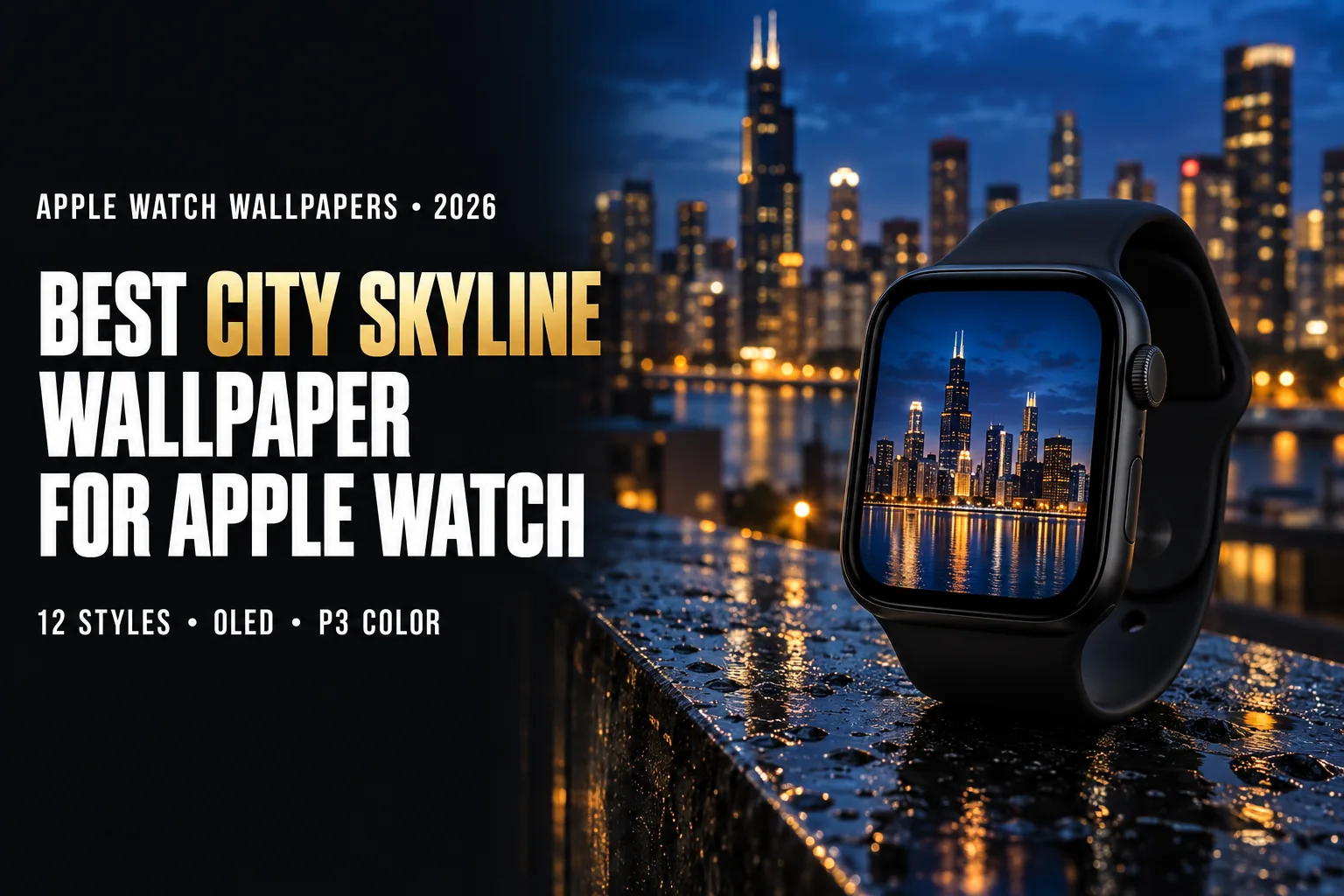
Why City Skyline Wallpapers Work on Apple Watch
City skyline wallpaper for Apple Watch works because a skyline is a shape your brain recognises before it reads any detail. The jagged line of towers against the sky is a silhouette, and silhouettes survive being shrunk to a 46 mm screen far better than busy street scenes or close-up architecture. Even at a glance, a row of rooftops says “city” instantly, and a few signature towers say exactly which city.
The bigger reason is the display itself. Apple Watch uses an OLED panel, where every pixel makes its own light. A black pixel is simply off and draws no power. A night skyline is mostly dark sky and dark buildings, with light coming only from windows, street grids, and illuminated spires. That makes it one of the rare photographic subjects that looks rich and detailed while staying mostly black. In our own testing on a Series 9, dark wallpapers gave roughly 10–15% better battery life than bright ones over a typical day, and a night skyline falls firmly into the dark category.
Colour is the third advantage. Apple Watch displays cover the Display P3 colour space, about 25% wider than standard sRGB. City lights are full of the saturated tones that sRGB clips: sodium-orange streetlamps, magenta and cyan signage, the deep cobalt of the sky twenty minutes after sunset. On a P3 screen these colours look the way they did when you were standing on the rooftop.
Skylines also carry personal meaning. Many people choose the city where they live, the city they moved away from, or the trip they keep thinking about. “I change my watch face wallpaper every season,” one Reddit user wrote, and a skyline works well with that habit: snow-lit in winter, golden-hour in summer, rain-reflected in autumn.
If you prefer neon-heavy futuristic cities, see our cyberpunk wallpaper guide. For warm evening skies without buildings, see sunset wallpapers for Apple Watch.
12 City Skyline Wallpaper Styles for Apple Watch
Each city skyline wallpaper style below is ranked by OLED impact, readability at wrist size, and how well each style leaves room for complications.
1. Night Skyline with Lit Windows
The classic city skyline wallpaper: a dense cluster of towers after dark, thousands of small window lights, and a sky that has gone fully black. This is the most battery-friendly skyline style and the most reliable at small sizes, because the glowing grid reads as texture even when individual windows blur together. Choose a photo where the sky takes up at least half the frame so the time and complications have clean dark space.
2. Blue Hour Skyline
Shot 15–30 minutes after sunset, when the sky turns deep cobalt and the city lights have just come on. Blue hour gives you the best balance of both worlds: the sky still has colour, but it is dark enough for OLED efficiency. The blue sky and warm orange windows are complementary colours, which is why blue hour photos look so polished even at 41 mm.
3. Golden Hour Silhouette
Towers as solid black shapes against an orange and pink sunset. This is the cleanest city skyline wallpaper for small screens. There is no building detail at all, just outline, which makes this the cleanest skyline style on a small screen. The black silhouette at the bottom of the frame doubles as space for complications. Brighter than a night shot, so expect slightly higher battery use.
4. Skyline Reflected in Water
Cities on rivers and harbours produce a mirror image: Hong Kong over Victoria Harbour, Chicago on the river, Shanghai across the Huangpu. The reflection doubles the light and creates symmetry, which suits the tall 4:5 screen. Put the waterline slightly below centre so the real skyline sits in the middle and the reflection fills the lower third.
5. Aerial Grid at Night
Looking straight down on a city at night turns streets into glowing lines on a black background, almost like a circuit board. This style has the highest share of dark pixels of any city wallpaper and an abstract, graphic feel. It works especially well on the Modular and Photos faces, where the time sits on top of the pattern.
6. Minimalist Line-Art Skyline
A single thin white or gold line tracing the outline of a city on pure black: the minimalist city skyline wallpaper. Nearly 95% of the screen stays off, so it is the most battery-efficient option in this list and pairs well with the Always-On display. Look for line art with a stroke at least 3–4 pixels wide at watch resolution, or the line disappears on a 40 mm screen.
7. Skyline in Fog or Low Cloud
Upper floors vanish into cloud while the lower city glows through the mist. The soft diffusion hides small, messy details, which is ideal at watch scale, and the mood is calm rather than busy. San Francisco, Dubai, and London produce the best fog skylines.
8. Rainy Street-Level Skyline
Wet pavement reflecting shop signs and taillights, with towers rising in the background. More colour and more energy than a classic skyline, closer to a cinematic still. Choose images with a dark sky so the reflections are the main light source.
9. Snowy Winter City
A skyline under falling snow or with rooftops dusted white. Snow adds brightness, so this is a less efficient style, but it is the seasonal favourite from December to February. Pair it with our snowflake wallpapers for a winter rotation.
10. Fireworks over the Skyline
New Year’s Eve, national holidays, or festivals: bursts of colour above dark towers. Fireworks are small bright points on black, which suits OLED and looks spectacular on the P3 display. Set one in late December and switch back in January.
11. Vintage Travel Poster Skyline
Flat-colour illustrations in the style of 1930s travel posters, with bold shapes, limited palettes, and simplified towers. These read very well on small screens because the artist has already removed unnecessary detail. They suit leather bands and classic analogue faces. For more retro design, see vintage wallpapers.
12. Monochrome Skyline
Black-and-white skyline photography with strong contrast. A monochrome city skyline wallpaper never clashes with your outfit. Removing colour puts the focus on geometry: verticals, setbacks, and spires. A monochrome skyline is timeless and works with any band colour, which makes it a safe everyday choice. See our monochrome wallpaper guide for more.
Famous Skylines Guide — Which City Reads Best at Watch Size
Not every skyline makes a good city skyline wallpaper once it is reduced to a 2-inch screen. The cities that work best have at least one tower with a distinctive top, strong height differences, and night lighting. Here is how the most popular skylines compare.
| City | Signature Shape | Best Time to Shoot | Watch-Size Readability |
|---|---|---|---|
| New York | Empire State and Chrysler spires, One World Trade | Blue hour from Brooklyn or New Jersey | Excellent — spires stay recognisable |
| Dubai | Burj Khalifa needle, far above everything else | Night or fog | Excellent — one dominant vertical fits the tall screen |
| Hong Kong | Dense towers stacked against Victoria Peak | Night from the harbour | Very good — density reads as glowing texture |
| Tokyo | Tokyo Tower and Skytree above a vast spread | Night from an observation deck | Good — use a tight crop around one tower |
| Chicago | Willis Tower and lakefront wall of towers | Blue hour with river reflection | Very good — strong silhouette |
| London | The Shard, Gherkin, Thames bends | Fog or dusk | Good — Shard is the anchor |
| Paris | Eiffel Tower over a low, even skyline | Hourly sparkle after dark | Excellent — one icon, minimal clutter |
| Shanghai | Oriental Pearl, Shanghai Tower | Night from the Bund | Very good — colourful lighting |
A useful rule: if you cannot name the city from a thumbnail the size of a postage stamp, the photo is too detailed for your wrist. Single-icon skylines like Paris and Dubai almost always pass this test; wide panoramas of flat cities usually fail it.
Time of Day — How Skyline Light Renders on OLED
| Time | Sky Colour | Dark Pixel Share | Battery Impact |
|---|---|---|---|
| Midnight | Black | 70–85% | Lowest |
| Blue hour | Deep cobalt | 50–65% | Low |
| Golden hour | Orange to pink | 25–40% (silhouettes) | Medium |
| Daytime | Light blue or white | Under 15% | Highest |
Daytime skylines are the weakest choice for Apple Watch: a bright sky lights almost every pixel, and the buildings lose contrast against it. If you love a daytime photo, try dropping the exposure by one to two stops before cropping. The sky darkens toward navy and the skyline gains depth. For more on why bright images can look flat on the watch, read why your Apple Watch wallpaper looks bad.
How to Make Your Own City Skyline Wallpaper
The most personal city skyline wallpaper is one you shoot yourself. Your iPhone is more than good enough, as long as you plan for the small, tall screen it will end up on.
Shoot in portrait orientation. Turn the phone vertical before you take the picture. A vertical frame keeps far more resolution after cropping than a slice cut from a horizontal panorama.
Go out at blue hour. Arrive 15 minutes after sunset and shoot for the next 20 minutes. This is when the sky and the window lights are balanced, and it gives the best city skyline wallpaper results with the least editing.
Use Night mode and keep still. Brace the phone on a railing or wall. Night mode exposures of 3–10 seconds keep the lights sharp and the sky clean instead of noisy.
Find height or water. Rooftop bars, bridges, ferries, and observation decks give you a clean silhouette with nothing in the foreground. A river or harbour adds a reflection for free.
Edit for the watch, not the phone. Lower highlights so window lights do not blow out, darken the sky slightly, and crop to your model’s resolution. A city skyline wallpaper that looks a little too dark on your phone usually looks right on the OLED watch screen.
Cropping a City Skyline Wallpaper for Apple Watch
Rotate your thinking from wide to tall. Most skyline photos are wide panoramas, and the watch screen is portrait at about 4:5. Instead of squeezing the whole city in, choose the most recognisable 20–30% of the panorama and crop tight around it.
Keep the skyline in the bottom third. The time sits at the top of most faces. Placing the buildings low leaves the dark sky above as clean space for the clock, and puts the brightest part of the image at the bottom of the screen where complications are usually smaller.
Protect the tallest tower. Never let the time or a complication cover the spire that identifies the city. Before saving, check the crop on the actual face style you use, since Photos, Portraits, and Modular faces place the time differently.
Boost contrast slightly, not saturation. City lights already sit at the edge of the colour range. A small contrast lift separates buildings from the sky; heavy saturation turns streetlights into blotches.
Export settings: save as JPEG at 90% quality or as PNG, at the exact resolution for your model below. For the full process of putting a photo on your watch, see how to change Apple Watch wallpaper, or our guide to making an Apple Watch face from a photo.
Resolution Reference Table
| Apple Watch Model | Case Size | Recommended Resolution | Aspect Ratio |
|---|---|---|---|
| Ultra / Ultra 2 | 49 mm | 410×502 px | ~4:5 |
| Ultra 3 | 49 mm | 422×514 px | ~4:5 |
| Series 10 / 11 / 12 | 46 mm | 416×496 px | ~5:6 |
| Series 10 / 11 / 12 | 42 mm | 374×446 px | ~5:6 |
| Series 7 / 8 / 9 | 45 mm | 396×484 px | ~4:5 |
| Series 7 / 8 / 9 | 41 mm | 352×430 px | ~4:5 |
| Series 4–6, SE | 44 mm | 368×448 px | ~4:5 |
| Series 4–6, SE | 40 mm | 324×394 px | ~4:5 |
Not sure which model you have? Check the back of the case or follow Apple’s guide to identifying your Apple Watch. Our full Apple Watch wallpaper size chart covers every generation.
Band Matching for Skyline Wallpapers
- Night skyline + black Sport Band: Screen edges disappear into the band, so the city seems to float on your wrist. The most seamless pairing.
- Blue hour + midnight Sport Loop: Deep navy echoes the cobalt sky. Subtle and modern.
- Golden hour silhouette + orange or sunset Sport Band: Carries the warm sky colour onto the strap.
- Monochrome skyline + Milanese Loop: Steel mesh matches the steel and glass of the towers. Office-ready.
- Vintage poster + tan leather Classic Buckle: Retro travel art and heritage leather. The weekend pairing.
- Snowy city + white Sport Band: A clean winter look from screen to strap.
- Fireworks skyline + Black Unity or multicolour Solo Loop: A festive combination for celebrations.
For more combinations, see our band and face matching guide.
Browse the full WatchWalls collection — curated Apple Watch wallpapers including skyline, night city, and urban designs sized for every model.
Browse All Apple Watch Wallpapers →
Free Sources for City Skyline Wallpapers
- Unsplash — City Skyline at Night: High-resolution professional skyline photography. Search a city name plus “night” or “blue hour”.
- Pexels — City Skyline Night: Free skyline photos and short videos, including many vertical shots that need less cropping.
- Pinterest — City Skyline Apple Watch: Community boards with pre-cropped skyline wallpapers.
- Canva free tier: Search “skyline line art” or “city silhouette” in Elements for minimalist designs you can export at your watch resolution.
- Etsy: Inexpensive custom skyline designs of a specific city, often sold as digital downloads in Apple Watch sizes.
FAQ
What is the best city skyline wallpaper for Apple Watch?
A night or blue-hour skyline with lit windows against a dark sky is the best overall choice. The dark sky keeps most OLED pixels off for better battery life, the lights look vivid on the P3 display, and the silhouette stays recognisable even on a 40 mm screen.
How do I fit a wide skyline panorama on an Apple Watch screen?
Do not shrink the whole panorama. Crop the most recognisable 20–30% of it, usually the area around the tallest or most famous tower, into a portrait frame of about 4:5. Keep the buildings in the bottom third so the sky above stays clear for the time.
Do night skyline wallpapers save battery on Apple Watch?
Yes. On an OLED display, black pixels are switched off and use no power. A night skyline is typically 70–85% dark, so it uses noticeably less energy than a daytime city photo. In our Series 9 testing, dark wallpapers gave about 10–15% more battery life than bright ones.
What size should a city skyline Apple Watch wallpaper be?
For a 46 mm Series 10 or later, use 416×496 pixels; for 42 mm, use 374×446 pixels. For a 45 mm Series 7–9, use 396×484 pixels, and for 41 mm, 352×430 pixels. Ultra and Ultra 2 use 410×502 pixels.
Which city skylines look best on Apple Watch?
Cities with one dominant, distinctive tower read best at watch size: Paris with the Eiffel Tower, Dubai with the Burj Khalifa, and New York with its Art Deco spires. Dense, brightly lit cities like Hong Kong and Shanghai also work well at night, because their lights form a glowing texture.