WatchWalls AI
Best New Year Wallpaper for Apple Watch: Fireworks, Countdown & Gold Designs for 2027
Download 6 Free New Year Wallpapers for Apple Watch
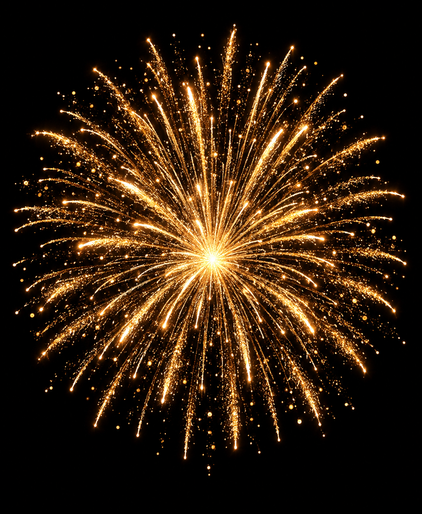
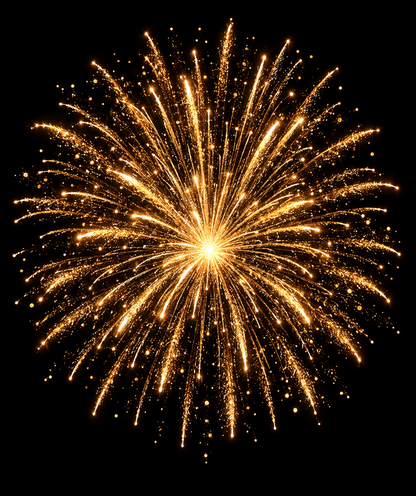
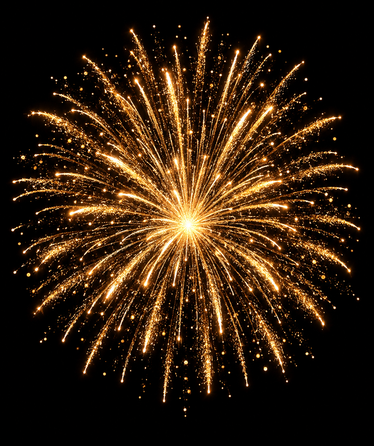
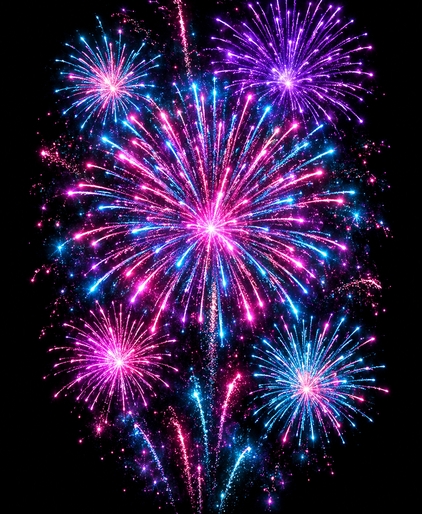
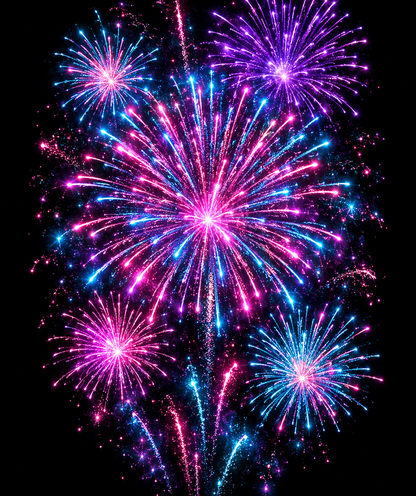
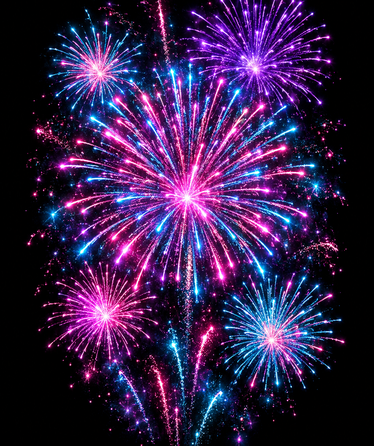
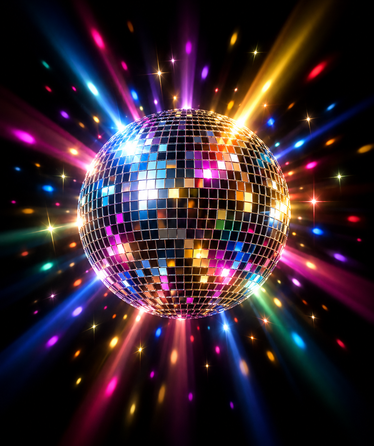
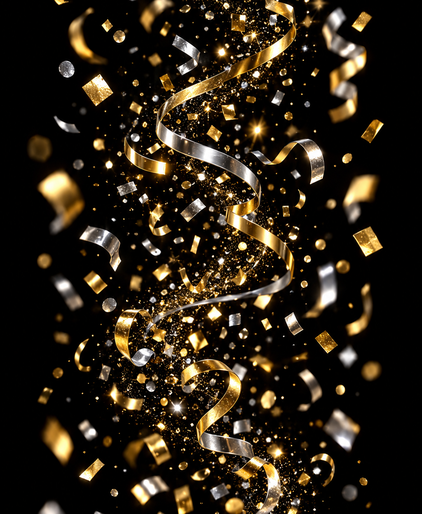
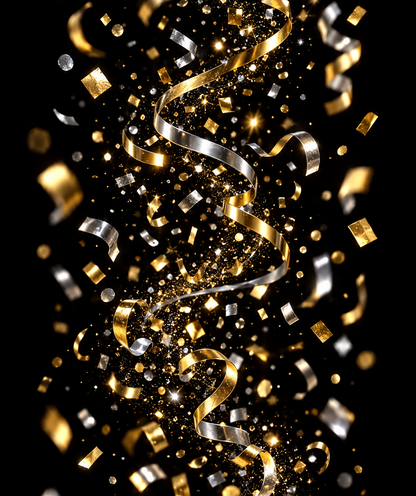
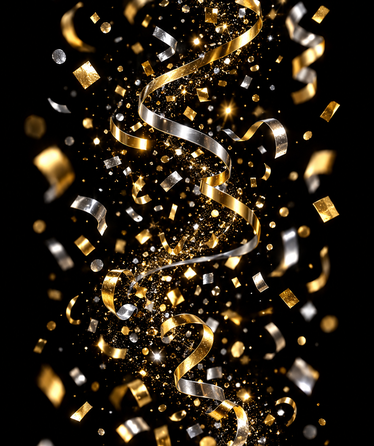
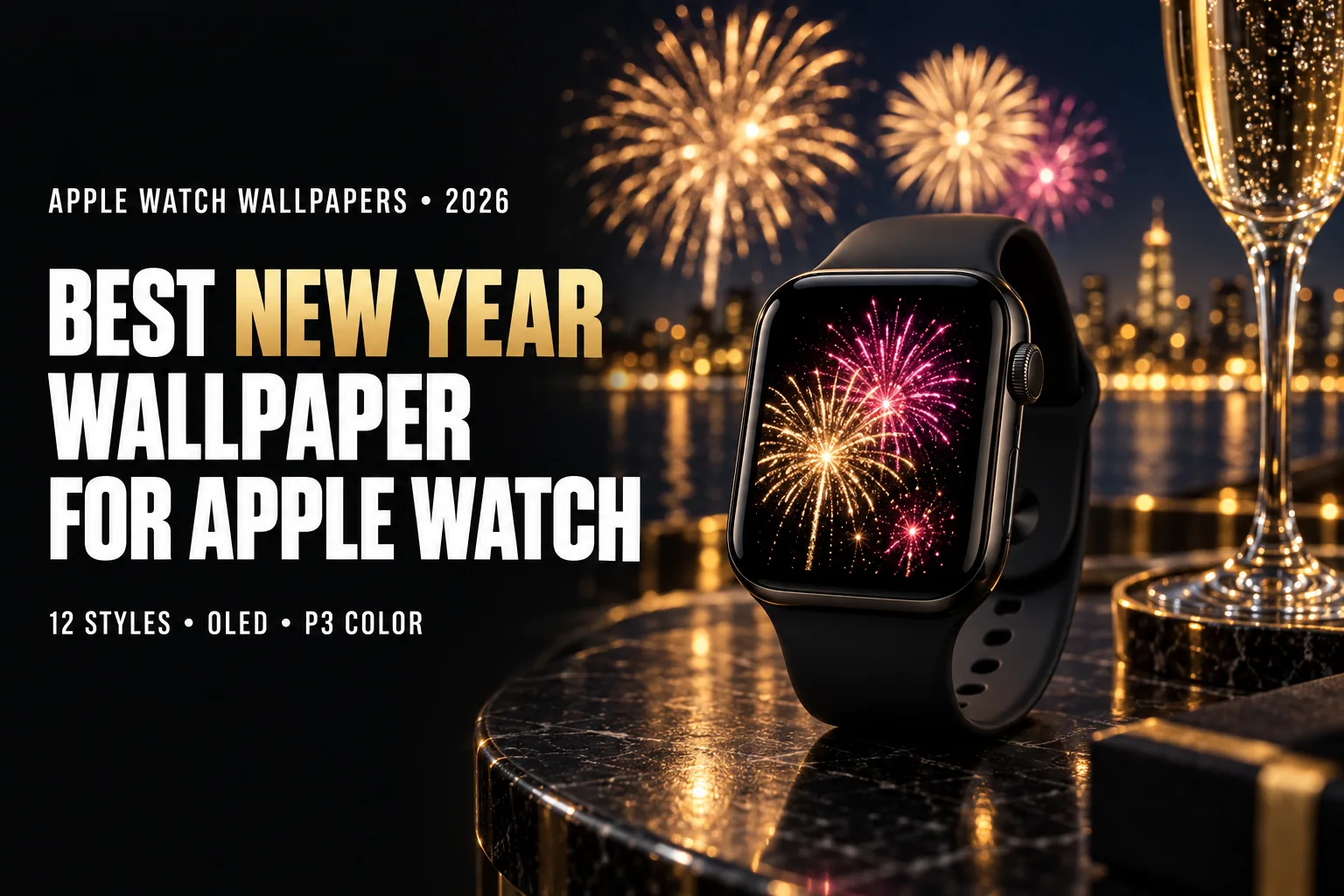
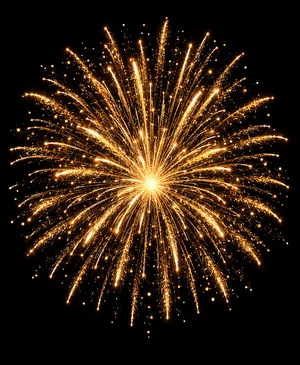
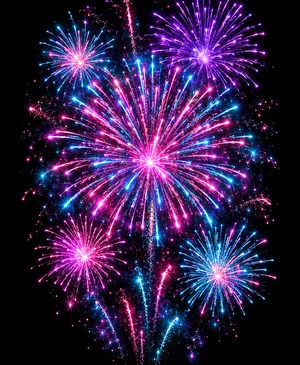
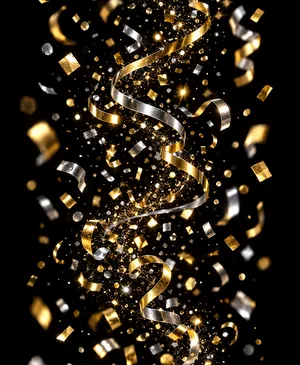
Original New Year wallpapers made by the WatchWalls team for Apple Watch: true-black backgrounds that blend into the OLED bezel, and the design kept in the centre so the time and complications stay readable. Pick your screen size and save the PNG, then add it through the Photos face (step-by-step guide).

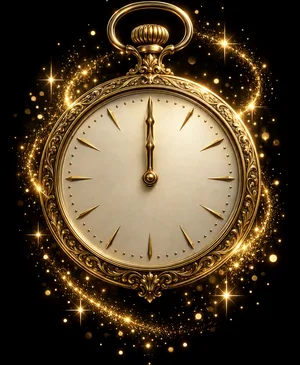
See all free Apple Watch wallpapers →
Free for personal use. Not sure which size you need? Check the Apple Watch wallpaper size chart. Want your own version? The WatchWalls AI app generates custom designs.
Why a New Year Wallpaper Works on Apple Watch
A New Year wallpaper for Apple Watch works because fireworks are almost the perfect subject for a small OLED screen. A firework is pure light on a dark background. There is no clutter, no horizon to line up, no faces to shrink. Even on a 40 mm case, a single burst of gold sparks reads instantly as “celebration”, and you can glance at it during the countdown without losing the time.
The display is the main reason. Apple Watch uses an OLED panel, where each pixel produces its own light and a black pixel is simply switched off. A fireworks photo is mostly night sky, so most of the screen draws no power, while the sparks glow at full brightness. In our own testing on a Series 9, dark wallpapers gave roughly 10–15% more battery life than bright ones over a typical day. That matters on New Year’s Eve, when the watch is often on your wrist from the afternoon until well past midnight.
Colour is the second advantage. Apple Watch displays cover the Display P3 colour space, about 25% wider than standard sRGB. Firework chemistry produces some of the most saturated colours you will ever photograph: strontium red, copper blue, barium green and the deep magenta of mixed shells. On an sRGB screen these clip into flat blobs; on P3 they keep their glow and gradient.
There is also a timing reason. A New Year wallpaper has a natural lifespan: you set it on December 31, it carries you through the countdown, and it stays for the first week of January. Many people already rotate wallpapers by season. “I change my watch face wallpaper every season,” one Reddit user wrote, and the New Year is the clearest seasonal change of all.
If you want something for the weeks before, see our Christmas wallpaper for Apple Watch guide. For winter designs that last through February, see snowflake wallpapers.
12 New Year Wallpaper Styles for Apple Watch
Each New Year wallpaper style below is ranked by OLED impact, readability at wrist size, and how much clean space it leaves for the time and complications.
1. Single Gold Fireworks Burst on Black
The classic New Year wallpaper: one large chrysanthemum-shaped burst of gold sparks, centred low in the frame, with nothing but black sky around it. This is the most battery-friendly style and the easiest to read, because the round shape survives any crop. Choose a photo where the burst fills about half the width, so the trails are visible without touching the screen edges.
2. Multicolour Fireworks Finale
Several overlapping bursts in red, green, blue and magenta, the kind of frame you get in the last minute of a show. It is busier than a single burst, so place it on a simple face such as Photos or Portraits with only the time. The P3 display is what makes this style worth it: the colours separate cleanly instead of merging into white.
3. Fireworks over a City Skyline
Bursts above a row of lit towers, often reflected in water. It combines the drama of fireworks with a sense of place, which makes it a favourite for people celebrating in a specific city. Keep the skyline in the bottom fifth and let the sky carry the sparks. Our city skyline wallpaper guide covers the skyline side in more detail.
4. Sparkler Trails
Long-exposure lines of light drawn with a handheld sparkler: a heart, a star, or the numbers of the new year. Sparkler wallpapers are personal, because you can make one yourself at a party. The thin bright lines on black are ideal for OLED and look sharp even at 41 mm.
5. Gold “2027” Numerals
Large metallic gold digits for the year ahead on a black or deep navy background. This is the most minimal New Year wallpaper and one of the most practical: the numbers sit in the lower half while the time stays clear above. Avoid thin script fonts; bold geometric numerals stay legible on a watch screen.
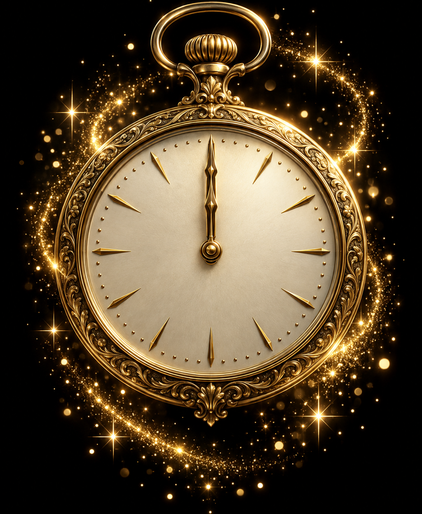
6. Countdown Clock at 11:59
A vintage clock face, a flip clock, or a digital display frozen one minute before midnight. On a watch it is a small joke: a clock on a clock. It works best with a face that shows the real time in a corner, so the two times do not compete. Use it for the evening of December 31, then swap to a fireworks or “2027” design after midnight.
7. Champagne Bubbles and Glasses
A macro shot of rising bubbles in a champagne flute, or two glasses touching against bokeh lights. The warm gold tones look rich on P3, and a dark background keeps the image efficient. Bubble close-ups are surprisingly good at wrist size, because the pattern reads as texture even without detail.
8. Gold and Silver Confetti
Metallic confetti falling against black, or scattered on a dark surface. Confetti brings movement to a still image. Pick a frame with confetti concentrated at the bottom and sides, leaving the top centre open for the time.
9. Bokeh Lights at Midnight
Out-of-focus circles of gold, warm white and soft pink, the background of every party photo. Bokeh is the gentlest New Year wallpaper style: festive but calm, and easy to wear for a week after the holiday. It also suits Always-On mode, since the dimmed circles still look intentional. See our Always-On Display wallpaper guide for how dimming affects bright images.
10. Times Square Ball Drop
The illuminated crystal ball above Times Square, a New York tradition since 1907. A close crop of the ball against the night sky works better than a wide crowd shot, which turns into noise on a small screen. It is a strong choice if you celebrate on Eastern Time or watch the broadcast every year.
11. Fireworks Reflected in Water
A burst over a harbour or river, mirrored in the dark water below. Sydney Harbour, the Thames in London and Hong Kong’s Victoria Harbour are classic sources. The reflection doubles the light without adding clutter, and the symmetry gives the image a calm, finished look.
12. Minimalist Line-Art Firework
A simple illustrated burst drawn in thin gold or white lines on black. It is the cleanest style for small cases and the one most likely to still look fresh in mid-January. Line art also pairs well with any watch face, since there is no photographic detail to fight with complications.
New Year Colour Guide — Gold, Silver and Midnight on OLED
The colours of a New Year wallpaper decide both how festive it looks and how much battery it uses. This table shows how the main New Year colours render on an Apple Watch OLED display.
| Colour | Where You See It | OLED Behaviour | Best Use |
|---|---|---|---|
| Pure black | Night sky behind fireworks | Pixels off, no power | Background for any burst or numerals |
| Midnight navy | Sky just after dusk, party backdrops | Very low power, softer than black | Gold numerals, bokeh, line art |
| Metallic gold | Sparks, champagne, confetti | Warm and vivid in P3 | The main accent colour of the season |
| Silver / white | Strobe shells, sparklers, glitter | Highest power per pixel | Use in small amounts only |
| Magenta and red | Finale shells, peony bursts | Saturated, outside sRGB range | Multicolour finales |
| Emerald and blue | Barium and copper shells | Rich on P3, clips on older screens | Contrast against gold |
A useful rule: if more than a third of the screen is white or silver, the wallpaper will feel glaring at night and drain more battery. Gold on black is the safest and most festive combination. For more metallic warm tones, our rose gold wallpaper guide shows how gold shades differ on the watch display.
How to Photograph Fireworks for Your Own Wallpaper
The most meaningful New Year wallpaper is one you take yourself, at the place where you celebrated. Fireworks are tricky to photograph, but a few settings make a big difference.
On iPhone: turn on Live Photo and take the shot as the shell bursts. Afterwards, open the photo, tap the Live label and choose Long Exposure. iOS blends the frames into smooth light trails, which look far better on a watch than a single sharp frame. Rest the phone on a railing or wall to keep the buildings sharp.
On a camera: use a tripod, ISO 100–200, aperture around f/8–f/11, and an exposure of 2–6 seconds. Open the shutter as you hear the launch and close it after the burst fades. Focus manually on the first burst and leave focus there.
Frame for portrait. Hold the phone vertically. The watch screen is tall, so a vertical shot needs much less cropping and keeps more of the trails.
Leave black space. Shoot a little wider than you think. A burst touching the edge of the frame looks cut off on the watch; one surrounded by dark sky looks deliberate.
Choose the first ten minutes. Smoke builds up as a show goes on and turns the sky grey. The opening bursts are almost always the cleanest.
Once you have the photo, our guide to making an Apple Watch face from a photo explains how to sync it to the watch.
A Countdown Plan: Changing Wallpapers from Christmas to January
A New Year wallpaper is most fun as part of a short sequence. Here is a simple plan that many people follow, using the Photos face and an album on the iPhone.
- December 26–30: a calm winter image, such as snowfall, frost or aurora lights, to bridge the gap after Christmas.
- December 31, daytime: gold “2027” numerals or a champagne close-up, so the wallpaper builds anticipation.
- December 31, evening: the 11:59 countdown clock or bokeh lights for the party.
- Midnight to January 1: a full fireworks burst or finale, the peak of the sequence.
- January 2–7: a quieter design such as line-art fireworks or a constellation wallpaper for the first week of the year.
If you put all of these images into one album and choose it in the Photos face, the watch rotates through them each time you raise your wrist, so you get the whole countdown without changing anything by hand. Our step-by-step guide on how to change Apple Watch wallpaper covers album syncing.
Cropping a New Year Wallpaper for Apple Watch
Keep the burst in the lower half. The time sits at the top of most faces. Placing the fireworks low leaves dark sky for the clock and stops the brightest sparks from sitting behind the digits.
Do not cut through the burst. A firework is a circle. If the crop slices off one side, it looks like an accident. Keep at least a thin margin of black around the outer sparks.
Lift blacks to true black. Night photos often have a grey haze from smoke and sensor noise. Pull the black point down slightly in the Photos editor so the sky becomes true black. This improves contrast and lets the OLED pixels switch fully off.
Go easy on saturation. Fireworks already sit at the edge of the colour range. A small boost in contrast or vibrance is enough; heavy saturation turns gold into flat orange.
Export settings: save as JPEG at 90% quality or as PNG, at the exact resolution for your model below.
Resolution Reference Table
| Apple Watch Model | Case Size | Recommended Resolution | Aspect Ratio |
|---|---|---|---|
| Ultra / Ultra 2 | 49 mm | 410×502 px | ~4:5 |
| Ultra 3 | 49 mm | 422×514 px | ~4:5 |
| Series 10 / 11 / 12 | 46 mm | 416×496 px | ~5:6 |
| Series 10 / 11 / 12 | 42 mm | 374×446 px | ~5:6 |
| Series 7 / 8 / 9 | 45 mm | 396×484 px | ~4:5 |
| Series 7 / 8 / 9 | 41 mm | 352×430 px | ~4:5 |
| Series 4–6, SE | 44 mm | 368×448 px | ~4:5 |
| Series 4–6, SE | 40 mm | 324×394 px | ~4:5 |
Not sure which model you have? Check the back of the case or follow Apple’s guide to identifying your Apple Watch. Our full Apple Watch wallpaper size chart covers every generation.
Band Matching for New Year Wallpapers
- Gold fireworks + black Sport Band: The screen edges disappear into the band, so the sparks seem to float on your wrist. The most versatile New Year pairing.
- “2027” gold numerals + gold Milanese Loop: Metal on metal, ideal for a dressy party.
- Champagne bubbles + starlight or light gold Sport Loop: A soft, warm match for evening outfits.
- Silver confetti + silver Link Bracelet or Milanese Loop: Bright and formal.
- Multicolour finale + Black Unity or multicolour Solo Loop: Carries the festival colours onto the strap.
- Midnight bokeh + midnight Sport Band: Deep navy echoes the night sky. Quiet enough for January.
- Line-art firework + black leather band: Minimal and grown-up for the first week back at work.
For more combinations, see our band and face matching guide.
Browse the full WatchWalls collection — curated Apple Watch wallpapers including fireworks, winter, and holiday designs sized for every model.
Browse All Apple Watch Wallpapers →
Free Sources for New Year Wallpapers
- Unsplash — Fireworks: High-resolution fireworks photography, including many vertical shots on black skies.
- Pexels — New Year: Free photos of fireworks, sparklers, champagne and confetti.
- Pinterest — New Year Apple Watch: Community boards with pre-cropped New Year wallpapers.
- Canva free tier: Search “2027 gold” or “fireworks line art” in Elements and export at your watch resolution.
- Etsy: Inexpensive digital downloads with custom New Year designs, often sold as sets in Apple Watch sizes.
FAQ
What is the best New Year wallpaper for Apple Watch?
A single gold fireworks burst on a pure black sky is the best overall choice. The black background keeps most OLED pixels off for better battery life, the sparks look vivid on the P3 display, and the round shape stays recognisable even on a 40 mm screen.
Can I have animated fireworks on my Apple Watch face?
The Photos and Portraits faces use still images. For a sense of motion, use a Long Exposure version of a Live Photo, which turns a fireworks burst into smooth light trails, or put several fireworks photos into one album so the watch shows a different one each time you raise your wrist.
Do fireworks wallpapers save battery on Apple Watch?
Yes. On an OLED display, black pixels are switched off and use no power. A typical fireworks photo is 75–85% black sky, so it uses noticeably less energy than a bright party photo. In our Series 9 testing, dark wallpapers gave about 10–15% more battery life than bright ones.
What size should a New Year Apple Watch wallpaper be?
For a 46 mm Series 10 or later, use 416×496 pixels; for 42 mm, use 374×446 pixels. For a 45 mm Series 7–9, use 396×484 pixels, and for 41 mm, 352×430 pixels. Ultra and Ultra 2 use 410×502 pixels.
When should I switch to a New Year wallpaper?
Most people switch on December 31 and keep it for the first week of January. A simple sequence works well: gold numerals during the day, a countdown clock or bokeh in the evening, and a full fireworks burst from midnight.