 WatchWalls AI
Best Pet Wallpaper for Apple Watch: Dogs, Cats & More (2026)
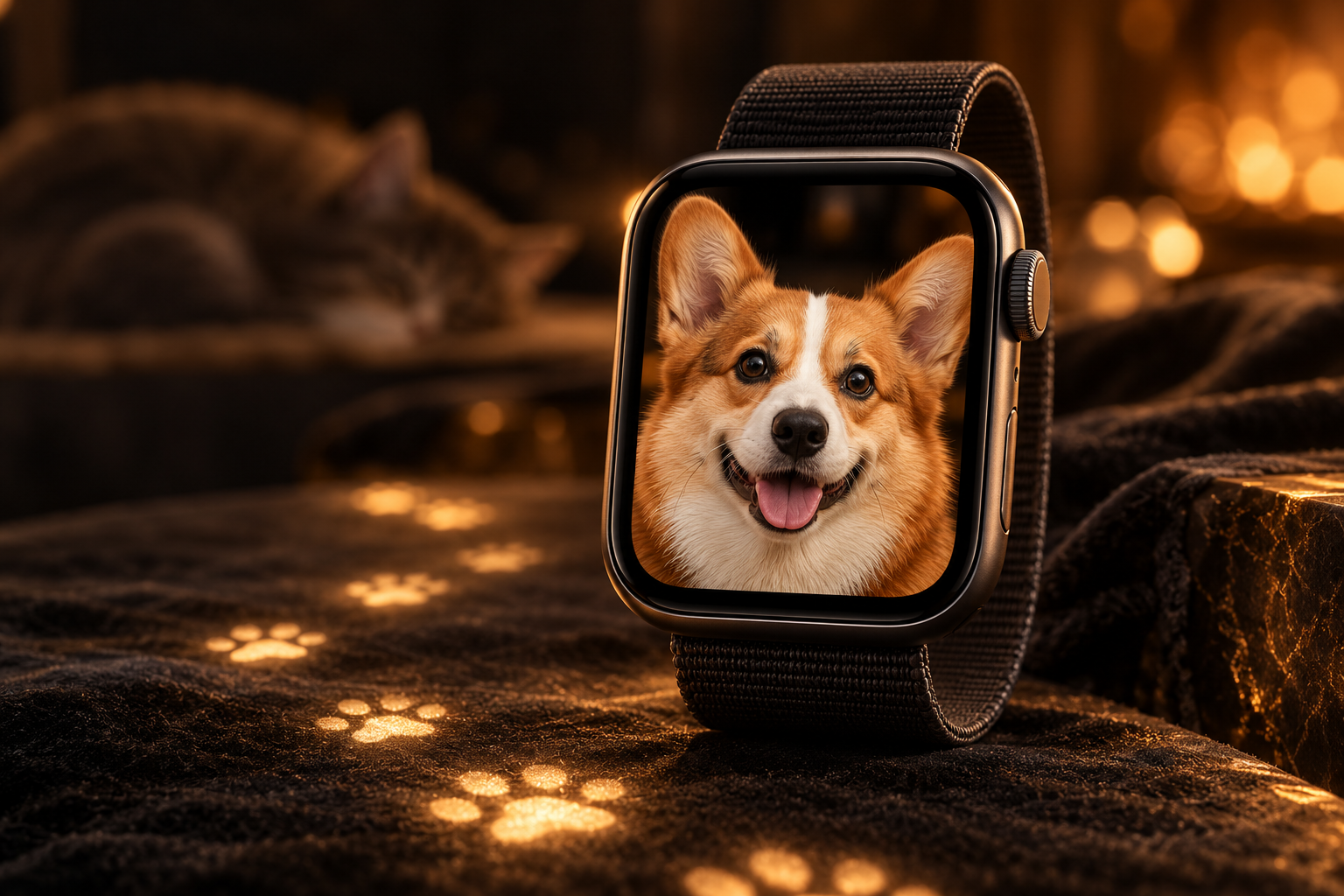
Why Pets Are the #1 Personal Wallpaper Choice for Apple Watch
Pet wallpaper for Apple Watch outsells every other personal photo category — and the reason is simple: your pet is family. Every time you glance at the time, you see a face that makes you feel something. That emotional shortcut is powerful in a way a landscape or abstract pattern never quite matches.
There are three practical reasons pet wallpapers work so well on the Apple Watch’s tiny 41 mm or 45 mm display:
- High contrast faces read clearly at small sizes. A dog’s dark pupils against a light fur coat, or a cat’s bright eyes against a black background, give the eye an anchor even when the screen is less than two inches wide.
- They start conversations. Strangers, coworkers, and kids notice a dog or cat on your wrist and ask about it. A pet wallpaper is a social connector that generic wallpapers simply are not.
- Your pet is always with you. For people who work long hours away from home, or who have lost a pet, the watch becomes a quiet memorial or a daily reminder of the bond waiting at home.
A quick look at Pinterest boards dedicated to Apple Watch pet wallpapers shows thousands of saves, confirming that this is a mainstream trend, not a niche one. If you want guidance on the full range of personal photo options, check our guide to the best photos for Apple Watch wallpaper.
12 Pet Wallpaper Styles for Apple Watch
Not all pet photos translate equally well to a 1.9-inch OLED screen. Below are twelve styles ranked roughly by how well they fill the watch face, maintain legibility over the time display, and hold up at wrist-viewing distance.
1. Dog Face Close-Up on Dark Background
This is the gold standard. Fill the frame with your dog’s face, shoot against a dark wall or at dusk, and the muzzle and eyes float against shadow. The time digits sit cleanly over the dark edges. Golden retrievers, French bulldogs, and huskies photograph especially well this way because their fur tones contrast with dark surroundings.
2. Cat Portrait
Cats cooperate for portraits surprisingly well when they’re sleepy. A cat curled on a dark blanket, with just the face in focus, produces a watch wallpaper that looks almost painted. Green or amber eyes glow on the OLED panel in a way no stock wallpaper can replicate.
3. Paw Print Pattern
If you want something abstract rather than a specific pet photo, a repeating paw print pattern works perfectly. The graphic style reads clearly at small sizes, tiles well across the watch face, and pairs with paw-print watch bands for a coordinated look. You can find printable paw-print textures on Unsplash’s animal texture collection or create one in any design app.
4. Pet Silhouette
A pure black silhouette of your pet’s breed against a solid gradient — say, a Labrador profile against a warm amber sky — is graphic and timeless. It works well for people who want something stylish rather than sentimental. Breed silhouette SVGs are easy to find and can be composited in Canva or Photoshop in under five minutes.
5. Funny Pet Meme
A still from a classic pet meme — the side-eye cat, the overly attached dog, the “this is fine” pug — makes the watch a tiny entertainment device. The humor lands every time you check the time. Keep the image high-contrast so the meme reads at a glance. See our funny Apple Watch wallpaper guide for more ideas in this direction.
6. Pet Portrait Painting or Illustration
Custom illustrated pet portraits — the kind sold on Etsy — convert into excellent watch wallpapers. The flat colors and strong outlines of illustration styles hold up at small sizes better than soft, blurry photographs sometimes do. If you’ve ever commissioned a portrait of your pet, repurposing it as a wallpaper is an easy win.
7. Pet Nose Macro
A macro shot of a dog’s nose, textured like a fingerprint, or a cat’s tiny pink nose surrounded by whiskers, is visually striking on OLED. The texture fills the whole screen. It’s abstract enough that strangers might not immediately recognize what they’re looking at — which makes it a conversation starter of a different kind.
8. Multi-Pet Collage
If you have two or three pets and can’t choose, a simple two-column or circular collage lets everyone appear on screen. Keep the collage tight and avoid thin white borders between photos — they disappear at watch scale. Apps like Layout by Instagram make this quick.
9. Pet With Owner — Matching Pair
A photo of you and your pet together, or a side-by-side “couple” shot of two pets who are inseparable, adds narrative to the wallpaper. This style works especially well when the two subjects mirror each other’s pose or color — a blonde owner and a golden retriever, or two tabbies in identical positions.
10. Wild Animal (Wolf, Lion, Eagle)
Not everyone has a domestic pet to photograph. Wild animal wallpapers — a wolf mid-howl, a lion in golden hour light, an eagle with wings spread — bring an energy that domesticated pet portraits don’t. These are the best animal wallpaper choice for people who want power imagery on their wrist. Unsplash’s wild animal library has hundreds of high-resolution options free for personal use.
11. Cartoon or Kawaii Animal
A kawaii-style illustration — round eyes, minimal linework, pastel background — lands somewhere between cute watch face and personal identity badge. This style is especially popular among younger Apple Watch users. Pair it with a colorful Sport Band in a matching pastel. For more cute styles, browse our cute Apple Watch wallpaper roundup.
12. Pet Memorial (Rainbow Bridge)
For people who have lost a pet, a memorial wallpaper — the pet’s favorite photo framed by soft light or flowers — turns the watch into a quiet tribute. Adding the pet’s name and years as a text overlay in a serif font keeps it dignified. This is one of the most personal uses of the Apple Watch photo wallpaper feature, and one of the most meaningful.
Best Camera Tips for Pet Watch Photos
The biggest mistake people make when photographing pets for watch wallpapers is shooting from too far away. The Apple Watch screen is small — everything you don’t need in the frame just becomes noise. Follow these four rules and your pet photos will convert far better.
Get as Close as Your Pet Allows
Fill at least 60% of the phone frame with your pet’s face. On an iPhone, that usually means getting within 30–50 cm. If your pet moves away, use Portrait mode’s 2× zoom rather than cropping after the fact — optical zoom preserves detail that digital cropping destroys.
Use a Dark Background
Dark backgrounds do three things for watch wallpapers: they make fur and eye color pop, they give the time overlay digits a readable surface, and they match Apple Watch’s OLED black rendering perfectly. A black sofa, a dark hardwood floor, or even placing your pet near a shaded wall at dusk all work. You don’t need a studio backdrop.
Shoot in Natural Light (Not Flash)
Flash produces red-eye in animals just as it does in humans, and it flattens the texture of fur. Shoot near a window in the morning or late afternoon. Overcast daylight is the most forgiving — it eliminates harsh shadows across your pet’s face without looking washed out.
Use Portrait Mode for Background Blur
iPhone Portrait mode isolates the subject from the background with a shallow depth-of-field blur. Even a cluttered room disappears into a smooth bokeh that looks intentional and clean on the watch. Enable it before calling your pet over — switching modes mid-session loses the moment.
Time It Right
Immediately after a walk or playtime, most dogs and cats are relaxed and will hold still. Right after a meal is also a reliable window. Avoid shooting when your pet is bored and restless — you’ll get 40 blurry photos and one barely usable one.
How to Crop Pet Photos for Apple Watch
Getting the crop right is the step most people skip, and it’s why their wallpaper looks awkward once it’s on the watch. Here’s the exact process.
Target resolution: 396×484 px for Apple Watch Series 7–10 (45 mm). For 41 mm models, use 352×430 px. The aspect ratio is approximately 4:5, slightly taller than it is wide.
Center the face in the upper half. The watch always displays time complication overlays at the bottom third of the screen. If your pet’s eyes are centered in the upper half, the face stays visible even when time and date sit at the bottom.
Leave breathing room around the ears and top of the head. Cropping ears off looks unintentional at watch size. Give 10–15% clear space above the top of the head.
Check contrast before saving. Open the cropped image, squint your eyes until it blurs, and confirm the subject is still visible. If it disappears into the background, increase contrast or adjust the background color before setting it as your wallpaper.
For the full step-by-step process of setting any photo as a wallpaper, see our guide to creating an Apple Watch face from a photo and our general how to change Apple Watch wallpaper walkthrough.
Resolution & Format Reference
| Apple Watch Model | Screen Size | Recommended Resolution | Aspect Ratio |
|---|---|---|---|
| Series 10 / Ultra 2 (49 mm) | 49 mm | 410×502 px | ~4:5 |
| Series 7–10 (45 mm) | 45 mm | 396×484 px | ~4:5 |
| Series 7–10 (41 mm) | 41 mm | 352×430 px | ~4:5 |
| Series 4–6 (44 mm) | 44 mm | 368×448 px | ~4:5 |
| Series 4–6 (40 mm) | 40 mm | 324×394 px | ~4:5 |
| Series 3 and earlier | 38 mm / 42 mm | 272×340 px / 312×390 px | ~4:5 |
Always save in JPEG at 90% quality or PNG if you need a transparent background element in an illustration. HEIC files from iPhone camera roll work directly in the Watch app without conversion.
Band Matching for Pet Lovers
A pet wallpaper hits differently when the watch band reinforces the theme. A few combinations worth trying:
- Paw print wallpaper + paw-print silicone band. Third-party bands with paw print engravings or stamped patterns are widely available on Amazon and Etsy. They cost $8–$20 and coordinate the whole look.
- Dog portrait wallpaper + tan leather band. A cognac or saddle-brown leather band echoes the warm tones of many dog breeds — retrievers, labs, dachshunds. The leather also signals “dog person” without words.
- Cat portrait wallpaper + purple or teal Sport Band. Cats photograph beautifully in cool tones, and a jewel-toned band amplifies that palette. Apple’s current Sport Band lineup includes colors that match this well.
- Wild animal wallpaper + black Milanese Loop. For wolf or eagle imagery, a silver or black metal band keeps the overall look mature and intentional rather than casual.
- Memorial pet wallpaper + white Sport Loop. Clean, simple, and respectful — a white or light gray band keeps the focus entirely on the photo.
Browse the full WatchWalls collection — hundreds of curated Apple Watch wallpapers organized by mood, color, and category. Whether you want a pet portrait, a minimalist pattern, or something bold, there’s a wallpaper for every wrist.
Browse All Apple Watch Wallpapers →
Free Sources for Pet Wallpapers
If you don’t have a photo of your own pet, or you want a wild animal or illustration style that requires professional photography, these sources offer free high-resolution options:
- Unsplash — Pets collection: thousands of professional pet portraits under a free license. Search by breed or animal type. Download at full resolution and crop to watch dimensions.
- Pinterest — Apple Watch pet wallpaper boards: community-curated boards with hundreds of ready-to-use watch wallpapers. Many are already cropped to Apple Watch proportions.
- Canva free tier: search for pet illustrations in the Canva library, drop one onto an Apple Watch template (396×484 px), and export in seconds. No design skills needed.
- Your own iPhone camera roll: often overlooked, but the best source. Run any existing pet photo through the crop guide above and it will outperform any stock photo on an emotional level.
FAQ
Can I use my own pet photo as an Apple Watch wallpaper?
Yes. Open the Watch app on your iPhone, tap “My Watch,” choose “Photos,” select your photo, and set it as the watch face background. The photo syncs to your watch automatically over Wi-Fi or Bluetooth. Crop your photo to 396×484 px first for the best result on a 45 mm model.
What size should a pet wallpaper be for Apple Watch?
For Apple Watch Series 7–10 at 45 mm, use 396×484 px. For the 41 mm case, use 352×430 px. Both follow a roughly 4:5 aspect ratio. Save as JPEG at 90% quality or as a PNG if your image has illustration elements.
What background color works best for pet wallpapers on Apple Watch?
Dark backgrounds — black, dark navy, deep charcoal — work best. Apple Watch uses OLED technology, which renders true black as a fully off pixel, so dark backgrounds look especially clean. They also provide contrast for the white or light-colored time overlay digits.
Will my pet wallpaper show when the watch is in Always-On Display mode?
Yes, but Always-On Display dims the screen significantly to save battery. Photos with high contrast and bright focal points — like a pet’s eyes against a dark background — remain recognizable in dim mode. Low-contrast photos can become hard to read when the display is dimmed.
Are there Apple Watch faces dedicated to pet photos?
Apple Watch’s built-in “Photos” face lets you set any photo, including a pet portrait, as the full-screen background. You can then add complications — activity rings, weather, calendar — as overlays. There is no dedicated “pet face” in watchOS, but the Photos face combined with a well-cropped pet portrait achieves the same result.