 WatchWalls AI
Best Sports Wallpapers for Apple Watch: Team & Athletic Designs
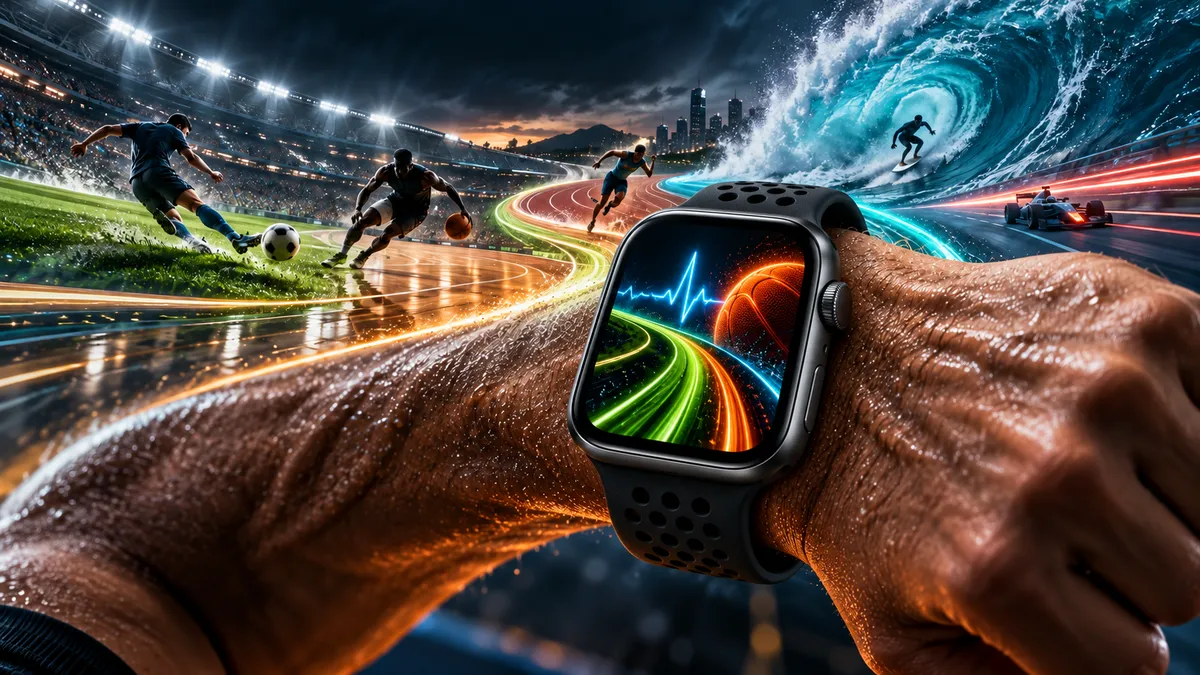
Why Sports Wallpaper Works on Apple Watch
Apple Watch wallpapers — technically called portrait watch faces or photo watch faces — give you a small canvas to express something personal. For athletes, fans, and gym regulars, a sports wallpaper is the obvious choice. It keeps you connected to the sport you love even when you are tracking a meeting or sitting at a desk.
The Apple Watch screen is always-on in newer models, which means your sports wallpaper stays visible throughout the day. A sharp basketball court image or a minimalist running track puts your mindset in the right place before a morning workout. It also reads as a conversation starter — anyone wearing Lakers purple or Chelsea blue on their wrist gets noticed in a gym or office.
Unlike phone wallpapers that get buried under app icons, the Apple Watch face is the entire display. That means your sports wallpaper is always front and center, making image quality and composition more important than on any other device.
If you are interested in faces built especially for training, see our guide to the best Apple Watch face for fitness for a broader comparison.
12 Sports Wallpaper Styles Worth Using
There is a sport for every taste, and there is a wallpaper style to match. Here are twelve categories that consistently perform well on Apple Watch screens.
1. Basketball Court
A bird’s-eye view of a hardwood court with painted lines and the three-point arc is one of the cleanest sports images you can put on a watch. The symmetry and bold geometry translate well to the square Apple Watch display. Go for NBA team courts (the Celtics’ parquet is especially iconic) or a generic court in dark wood tones.
2. Soccer Field
An aerial view of a soccer pitch — bright green grass with white lines — works because of its color contrast. The deep greens read well even at small sizes. Pair it with a club-colored band for a full kit effect. Champions League stadium shots at dusk add extra drama.
3. NFL Helmet
A close-up of a team helmet against a dark background is bold and unambiguous. The reflective shine on the helmet shell gives the image depth. Dallas Cowboys silver, Chicago Bears navy, or San Francisco 49ers red and gold all hold up at watch-face scale.
4. Baseball Diamond
An overhead or low-angle shot of a baseball diamond — especially with stadium lights and a packed crowd in the background — feels cinematic. The infield dirt and grass contrast makes the geometry of the diamond pop even on a 45mm screen.
5. Tennis Court
The Wimbledon grass or Roland Garros clay immediately signals sport and precision. A close-up of a tennis ball on the baseline with the court lines stretching into the background is compositionally clean and color-rich.
6. Golf Green
A perfectly manicured putting green with the flag in frame reads as both athletic and premium. The green-and-white color palette is understated, making it ideal for professional settings where you still want a sport-coded wallpaper.
7. Boxing Gloves
A pair of leather boxing gloves hanging from ropes or resting on a canvas mat gives a gritty, training-room feel. Red gloves on a black background are the most legible combination at small sizes. This pairs naturally with a red Sport Band.
8. F1 Racing
A Formula 1 car at speed, blurred background, tire smoke — this is high-energy at any size. Close-up tire shots or carbon fiber textures from an F1 bodywork panel also work well if you prefer abstract over literal. Ferrari red or Mercedes silver are the most recognized color schemes.
9. Olympic Rings
The five-ring Olympic symbol on white or black is universally recognized and works for athletes who identify with competition across multiple sports. This is also one of the cleaner wallpapers for watch faces that display time over the image, since the rings are positioned toward the bottom in many compositions.
10. CrossFit Weights
A close-up of stacked bumper plates or a loaded barbell on a chalk-dusted gym floor captures the CrossFit aesthetic. High-contrast black and white versions are particularly effective on the Apple Watch OLED screen, where true blacks add depth.
11. Surfing Wave
A barreling ocean wave in teal and white is stunning on a watch. Drone shots of surfing lineups or tube rides shot from inside the wave give you a sense of motion. This works especially well with the Ocean Blue or Pool Blue Apple Watch bands.
12. Running Track
A straight or curved section of a red running track with lane markings is one of the most focused, purposeful images you can wear. It signals discipline and repetition — the core of distance training. For more on running-specific setups, see our article on the best Apple Watch face for running.
Color Palettes That Pop on Small Screens
Color choice makes or breaks a sports wallpaper at watch scale. The Apple Watch display is small, so subtle gradients and fine detail get lost. These three palette approaches consistently work well.
Team Colors
Using the exact brand colors of your team (Hex values are widely published) gives you authenticity. The key is high contrast between background and foreground. Lakers gold on purple, Bulls red on black, Patriots navy on silver — all of these have enough contrast to read at a glance. Avoid teams whose colors are too similar in value, such as gold on cream, since they blur together at small sizes.
Neon on Black
Neon green, electric blue, or hot pink on a pure black background looks exceptional on Apple Watch OLED displays because the black pixels turn fully off, making the colors appear to float. This palette suits training wallpapers — weights, tracks, and boxing imagery all have neon-on-black versions that feel energetic without being cluttered.
Black and Gold
The combination of matte black and metallic gold is associated with premium sports brands and championship imagery. It reads as serious and aspirational. For Apple Watch Ultra owners, this palette echoes the case material and feels intentional rather than accidental.
How to Set a Sports Wallpaper on Apple Watch
The process is straightforward. Apple Watch does not let you set arbitrary wallpapers the way iOS does — instead, you use the Photo watch face, which turns any image from your library into a watch face background.
- Save the sports wallpaper image to your iPhone Photos library.
- Open the Watch app on your iPhone.
- Tap Face Gallery, then scroll down to Photos.
- Tap Add, then choose your saved image.
- Adjust the crop using pinch-to-zoom, then tap Add.
- The new face appears in My Faces. Tap Set as Current Watch Face to activate it.
You can also do this directly on the watch by pressing the Digital Crown, force-touching (or long-pressing on newer models) the watch face, swiping to New, and choosing Photos. A full step-by-step walkthrough is in our dedicated guide on how to change Apple Watch wallpaper.
For more wallpaper ideas beyond sports, visit our Apple Watch wallpaper ideas roundup.
Band Matching for a Full Athletic Look
The band you wear completes the sports wallpaper setup. A great image with the wrong band looks uncoordinated.
Nike Sport Band: The perforated design and sport-specific colorways make this the top choice for running tracks, CrossFit weights, and soccer field wallpapers. Volt green on a running track wallpaper is a natural combination. For more on this pairing, see our article on Apple Watch Nike wallpaper styles.
Solo Loop in team colors: Apple offers Solo Loops in colors that match several major team palettes. Red, royal blue, and black are permanent options. Match the band to your team wallpaper for a finished look.
Sport Loop: The woven Sport Loop in bright colors pairs well with surfing and outdoor wallpapers. The orange Sport Loop with an ocean wave wallpaper is a strong combination that feels cohesive rather than random.
Milanese Loop: If you wear a golf green or F1 carbon fiber wallpaper in a professional context, the Milanese Loop in silver or gold keeps the watch looking appropriate while the wallpaper adds personality.
Free Sources for Sports Wallpapers
You do not need to pay for sports wallpapers. Several reliable platforms offer high-quality images that work well at watch scale.
Pinterest: Search “Apple Watch sports wallpaper” or your specific sport (e.g., “basketball watch face wallpaper”). Pinterest boards dedicated to Apple Watch faces often include pre-cropped images sized for the watch. Users regularly update collections with new team designs. Visit pinterest.com to browse.
Reddit: The subreddit r/AppleWatch is active with members sharing custom watch face screenshots and source images. Searching the subreddit for your sport returns community-tested wallpapers that other Apple Watch users have confirmed look good on real hardware. Browse at reddit.com/r/AppleWatch.
Unsplash: For high-resolution sports photography that you can crop yourself, unsplash.com has thousands of free-to-use images across every sport. Search your sport and filter by horizontal or portrait orientation. Download the full resolution version and crop to square on your iPhone before setting it as a watch face.
Wallpaper apps: Apps like Zedge and Everpix include Apple Watch-specific wallpaper categories. Quality varies, but the sports sections are generally well-maintained.
DIY Tips for Custom Sports Wallpapers
Making your own sports wallpaper takes about ten minutes and gives you something no one else has — your exact team colors, your preferred composition, and your player number if you want it.
Use Canva: Set the canvas to 396×484 pixels (the Apple Watch 45mm resolution). Choose a sports photo background, overlay your team colors as a semi-transparent shape, and add minimal text if needed. Export as PNG. The free tier handles everything you need.
Crop for the watch face: Apple Watch crops the Photo watch face in a specific way — it shows a square crop when the display is active. Center your focal point in the middle of the image. Elements in the corners may be hidden by the watch bezel.
Test on your wrist: Set it, wear it, check how readable it is in different lighting. Outdoor sunlight can wash out lighter colors. If the time display becomes hard to read against a bright background, add a darker vignette around the edges in your editing app before exporting.
Player jerseys: Scanning or photographing a jersey fabric in close-up makes for a unique wallpaper with texture and team color without being a literal team logo. This sidesteps any copyright issues with official logos while still representing your team.
Resolution and Size Reference
| Apple Watch Model | Screen Size | Recommended Image Resolution |
|---|---|---|
| Series 10, Ultra 2 (49mm) | 49mm | 410×502 px |
| Series 10, Series 9 (45mm) | 45mm | 396×484 px |
| Series 9, SE (41mm) | 41mm | 352×430 px |
| Series 8, 7 (45mm) | 45mm | 396×484 px |
| Series 8, 7 (41mm) | 41mm | 352×430 px |
| Series 6, SE, 5, 4 (44mm) | 44mm | 368×448 px |
| Series 6, SE, 5, 4 (40mm) | 40mm | 324×394 px |
Always use the highest resolution available from your source and let Apple scale it down. Uploading an image smaller than the target resolution will result in visible pixelation on the OLED screen.
Not sure which sports wallpaper fits your style? Browse our full collection of Apple Watch wallpaper ideas — sorted by sport, color, and watch model. Updated for 2026 Apple Watch models.
Frequently Asked Questions
Can I use any sports image as an Apple Watch wallpaper?
Yes, through the Photo watch face. Save any image to your iPhone Photos library, then set it as a Photo watch face in the Watch app. Apple scales and crops the image automatically. The best results come from square or portrait images with the main subject centered.
What size should a sports wallpaper be for Apple Watch Series 9 (45mm)?
The native resolution for Apple Watch Series 9 at 45mm is 396×484 pixels. Any image at or above this resolution will look sharp. Download the highest resolution version available from your source and crop it to approximately this ratio before setting it as a watch face.
Are official team logos allowed as Apple Watch wallpapers for personal use?
Using team logos as a personal watch face for private use is generally tolerated and not enforced by sports leagues. Distributing or selling images with official logos is a different matter. For a completely safe approach, use stadium photos, field shots, or color-based designs that reference a team without using its trademarked logo.
Which sports wallpaper looks best on Apple Watch Ultra?
The Apple Watch Ultra’s titanium case and large 49mm display suit bold, high-contrast images. F1 carbon fiber textures, mountain trail photography, and surfing waves all work well with the Ultra’s outdoor-focused aesthetic. Black and gold palettes complement the titanium case finish particularly well.
Can I change my sports wallpaper automatically based on my workout type?
Not automatically — Apple Watch does not trigger watch face changes based on workout type. However, you can manually switch between saved faces in seconds by swiping left or right on the watch face. Set up one face per sport (running track for runs, basketball court for gym sessions) and swap before each workout.
