 WatchWalls AI
Best Marble Wallpaper for Apple Watch: Gold-Veined, Carrara & Luxury Styles (2026)
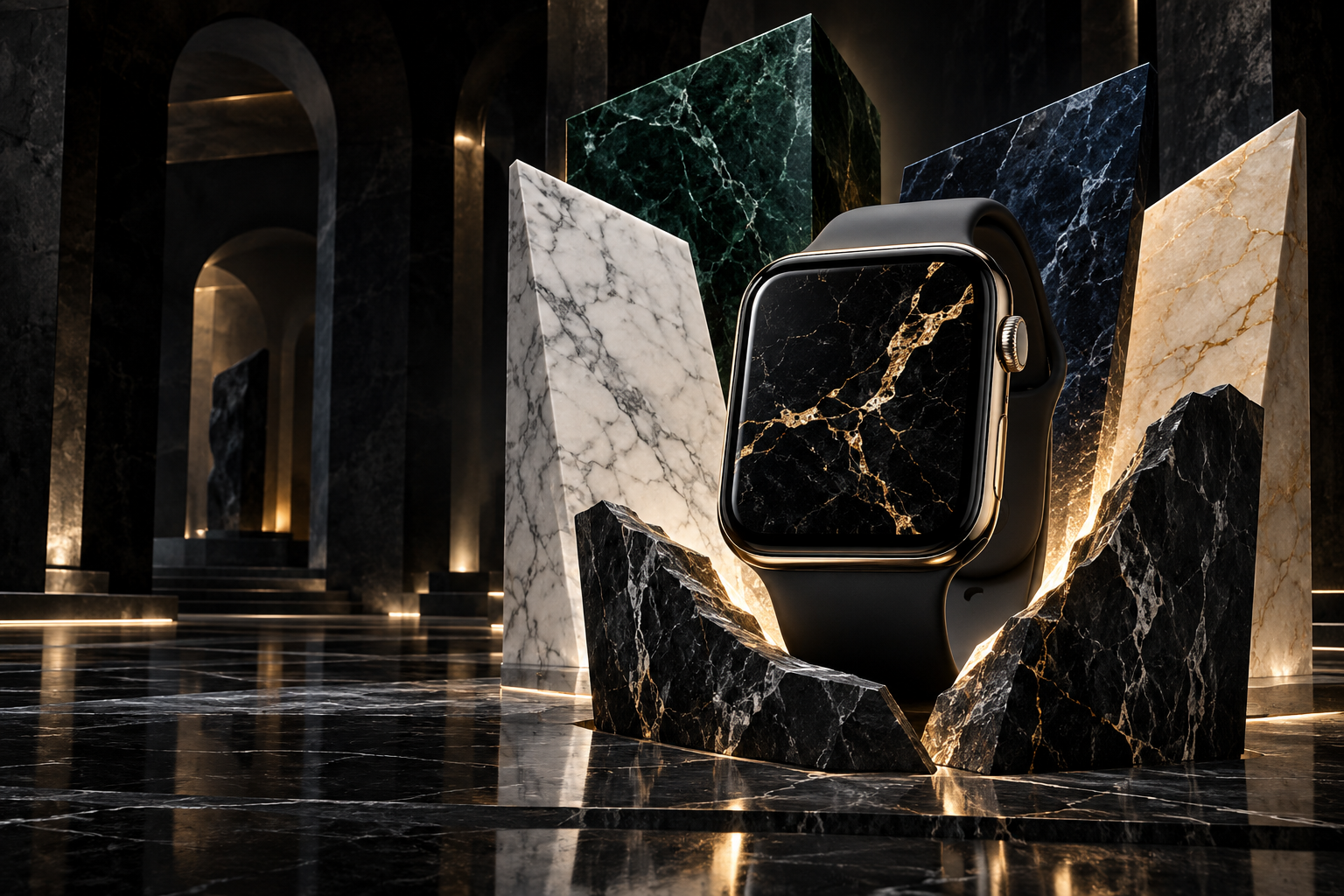
Why Marble Works So Well on Apple Watch
Marble wallpaper for Apple Watch succeeds where most textures fail — it stays readable at tiny sizes. The reason is structure. Marble has two visual elements: a base color and veining. At 41 mm or 45 mm, fine photographic detail disappears, but marble’s bold vein patterns remain clearly visible because they are high-contrast lines against a solid background. You can always tell marble is marble, even at a glance from arm’s length.
There is a second reason marble works on OLED: the veining creates natural depth without requiring bright colors. A black marble wallpaper with gold veins uses mostly black pixels (zero power consumption) with thin lines of warm metallic color. The result is a wallpaper that looks expensive and detailed while being one of the most battery-efficient options available.
Marble also bridges the gap between minimal and decorative. It is more interesting than a solid color but less busy than a photograph or pattern. That middle ground makes it versatile — appropriate for business meetings, gym sessions, and evening events without needing to switch wallpapers. For people who want a set-and-forget wallpaper that always looks intentional, marble is one of the safest choices.
For more luxury textures and premium aesthetics, see our luxury Apple Watch wallpaper guide. For metallic options specifically, see rose gold wallpapers.
12 Marble Wallpaper Styles for Apple Watch
These styles are ranked by OLED display performance, visual impact at watch scale, and versatility across case and band combinations.
1. Black Marble with Gold Veins
The single most popular marble wallpaper on Etsy, Pinterest, and every wallpaper marketplace. Pure black base with thin gold veining creates maximum luxury with minimum power consumption. The gold veins glow on OLED because the surrounding black pixels are fully off, creating infinite contrast. This style matches Gold, Starlight, and Space Black cases equally well — gold veins echo gold hardware, and on dark cases the gold provides a striking accent.
2. White Carrara Marble
Classic Italian Carrara marble — white base with soft grey veining. This is the most recognizable marble pattern in the world, used in architecture from the Taj Mahal to modern kitchens. On Apple Watch, it creates a bright, clean aesthetic that stands out among the sea of dark wallpapers. The soft grey veins add just enough visual interest without competing with the time display. Best paired with Silver or Starlight cases where the bright screen matches the bright hardware.
3. Black Marble with Rose Gold Veins
A warmer variation of the gold-veined style. Rose gold veins on black marble create a feminine luxury look that has exploded in popularity alongside Apple’s gold and pink case finishes. The rose gold color temperature is softer than pure gold, creating a wallpaper that feels more intimate than opulent. This is the top choice for pairing with rose gold Milanese Loop or pink Sport Band. For more rose gold options, see our rose gold wallpaper collection.
4. Green Marble (Verde Guatemala)
Deep forest green with white and gold veining — one of the most expensive natural marbles translated into a wallpaper. The dark green base works well on OLED (dark pixels save power) while the color itself stands out from the typical black-white-gold marble palette. Green marble pairs exceptionally well with Alpine Loop and green Sport Band, creating a nature-meets-luxury aesthetic that is unique on the wrist.
5. Navy Blue Marble
Dark navy base with white or gold veining. Blue marble — sometimes called Sodalite — offers a cooler alternative to black marble that still maintains the dark background advantages for OLED. The navy tone adds a nautical or celestial undertone depending on the vein color: white veins suggest ocean waves, while gold veins suggest a night sky. Pairs naturally with ocean-colored bands and midnight cases.
6. Pastel Marble
Soft pink, lavender, mint, or peach marble with white blending — the marble equivalent of watercolor aesthetics. Pastel marble is lighter and softer than traditional marble styles, targeting people who find black and white marble too stark. The gentle color gradients create a calming wallpaper that pairs with the cute wallpaper aesthetic. Keep the pastel tones muted to maintain time-display readability.
7. Marble with Agate Bands
Concentric color bands — like a cross-section of agate stone — in marble-adjacent tones of grey, cream, gold, and brown. Agate patterns have a hypnotic quality with their layered curves that reads as premium natural texture at any scale. The banded structure naturally creates horizontal zones, making it easy to position a dark zone at the bottom for complications. This style appeals to geology enthusiasts and anyone who wants something more dynamic than standard marble veining.
8. Cracked Marble (Kintsugi Style)
White or black marble with prominent cracks filled with gold — inspired by the Japanese art of kintsugi, where broken pottery is repaired with gold. The cracks are bold enough to read at watch scale, and the gold fill adds the same luxury accent as standard gold veining but with more dramatic, irregular shapes. This style carries philosophical meaning (beauty in imperfection) that resonates with people who choose wallpapers with intention.
9. Terrazzo
Technically a composite rather than marble, terrazzo features colorful stone chips embedded in a cement or marble base. The scattered chip pattern creates a playful, confetti-like texture that is more casual than pure marble. Neutral terrazzo (grey base, white and beige chips) reads as sophisticated, while colorful terrazzo (pink, green, blue chips on white) reads as fun and modern. Both hold up well at watch scale because the chips are large enough to register individually.
10. Marble Geometric — Hexagon Tiles
Hexagonal marble tiles arranged in a honeycomb pattern, with thin gold or dark grout lines between them. This combines the organic texture of marble with the precision of geometric pattern — a hybrid style that adds structure without losing the natural stone feel. The hexagon size should be large enough that each tile is individually visible at watch scale — roughly 3-4 hexagons across the watch width works best.
11. Marble Gradient — Ombre Effect
Marble that transitions from dark at the bottom to light at the top (or vice versa). This is not a natural marble pattern — it is a digital creation that merges marble texture with gradient functionality. The practical benefit is built-in contrast management: the dark end anchors complications, the light end provides visual interest. This style works particularly well on the Photos face where complications overlay the lower portion.
12. Liquid Marble (Fluid Art)
Swirling, flowing marble patterns that mimic fluid art or ink in water. Unlike static vein patterns, liquid marble has movement and direction — curves, spirals, and organic flows that make the wallpaper feel alive. The color combinations are endless: black and gold, white and teal, pink and grey. Liquid marble is the most expressive style in this list and appeals to people who want their watch wallpaper to feel dynamic even though it is a static image.
Real Marble Photography vs Digital Marble Textures
There are two approaches to creating a marble wallpaper, and the choice matters at watch scale:
Photographed Real Marble
A photograph of an actual marble slab or surface. Advantages: authentic texture with natural color variation, grain, and imperfections that no digital recreation captures. Disadvantages: photographs often have subtle color gradients and low contrast that can look muddy on a tiny OLED screen. If you use a photograph, increase the contrast by 15-20% before cropping to compensate for the screen size.
Digital Marble Textures
Created in design software with stylized veins, controlled color, and intentional contrast. Advantages: designed specifically for small-screen display, with bold veins, sharp contrast, and clean color separation. Disadvantages: can look artificial up close. For Apple Watch, digital textures often perform better than photographs because they are optimized for readability at small sizes. Most Etsy and Pinterest marble wallpapers are digital creations for this reason.
Marble Color Guide — Choosing the Right Tone
- Black + gold veins: Maximum luxury, maximum OLED efficiency. Works with any case finish. The safest choice.
- White + grey veins (Carrara): Classic, clean, bright. Best with Silver and Starlight cases. Higher battery usage due to white pixels.
- Black + rose gold veins: Warm luxury. Best with Gold, Pink, and Starlight cases. The feminine alternative to gold veins.
- Dark green + white veins: Unique and sophisticated. Best with Midnight, Space Black, and natural titanium cases.
- Navy + gold veins: Nautical luxury. Best with Silver, Starlight, and Space Black cases.
- Pastel pink/lavender marble: Soft and calming. Best with Pink and Starlight cases. Lightest option in the marble family.
Cropping Marble Textures for Apple Watch
Marble textures are forgiving to crop because they have no defined orientation or focal point. However, a few rules improve the result:
Find the most interesting vein intersection. Marble looks best when two or more veins cross or branch. Position that intersection point in the upper third of the crop to create a natural focal area away from complications.
Avoid edges where the marble pattern abruptly stops. If your source image shows the edge of a marble slab against a different surface, crop inward to keep the entire frame as continuous marble.
For dark marble, ensure at least some veining is visible. A crop that lands on a large vein-free area of black marble will look like a plain black wallpaper — you lose the marble identity entirely.
Target resolution: 396×484 px for 45 mm, 352×430 px for 41 mm, 410×502 px for Ultra. JPEG at 90% quality works well for marble photographs. PNG is better for digital marble textures with sharp vein edges.
For the full wallpaper-setting process, see how to change Apple Watch wallpaper.
Resolution Reference Table
| Apple Watch Model | Screen Size | Recommended Resolution | Aspect Ratio |
|---|---|---|---|
| Ultra 2 / Ultra 3 | 49 mm | 410×502 px | ~4:5 |
| Series 7-10 (45 mm) | 45 mm | 396×484 px | ~4:5 |
| Series 7-10 (41 mm) | 41 mm | 352×430 px | ~4:5 |
| Series 4-6 (44 mm) | 44 mm | 368×448 px | ~4:5 |
| Series 4-6 (40 mm) | 40 mm | 324×394 px | ~4:5 |
| SE (2nd gen) | 40 mm / 44 mm | 324×394 / 368×448 px | ~4:5 |
Band Matching for Marble Wallpapers
- Black gold-vein marble + gold Milanese Loop: Full luxury. The gold mesh band echoes the gold veins, creating a cohesive premium look from screen to clasp.
- White Carrara marble + white Sport Band: The clean monochrome. Everything reads as one bright, minimal unit. Striking with Silver case.
- Black rose gold marble + pink Sport Band: Feminine luxury. The pink band picks up the rose gold vein color. See also our rose gold wallpaper guide for more.
- Green marble + green Alpine Loop: Nature luxury. Stone meets trail in a combination that works for both office and outdoors.
- Navy marble + navy braided Solo Loop: Monochrome depth. Dark blue on blue with gold accents peeking through from the veins.
- Pastel marble + lavender Sport Band: Soft and gentle. The most approachable marble look — luxury without intensity.
- Terrazzo + multicolor braided Solo Loop: The playful match. Terrazzo’s scattered chips echo the braided band’s color variety.
For more combinations, see our band and face matching guide.
Browse the full WatchWalls collection — hundreds of curated Apple Watch wallpapers including marble, stone, and luxury textures sized for every model.
Browse All Apple Watch Wallpapers →
Free Sources for Marble Wallpapers
- Unsplash — Marble Textures: Hundreds of high-resolution marble photographs. Search “black marble gold,” “white marble,” or “marble closeup” for the best watch-ready results.
- Pexels — Marble: Similar library with different images. Strong in dark marble and colored marble categories.
- Pinterest — Marble Apple Watch Wallpaper: Community boards with pre-sized watch wallpapers. Many are digital marble textures already optimized for small screens.
- Canva free tier: Search “marble” in Canva’s background library. Dozens of marble textures in various colors that you can resize to 396×484 px and export in seconds. Canva’s marble backgrounds tend to be digital textures, which work better at watch scale than photographs.
- Etsy ($2-5): For professionally designed marble packs with multiple color variations already sized for every Apple Watch model, Etsy sellers offer the best quality-to-effort ratio. Search “marble Apple Watch wallpaper pack.”
FAQ
What is the best marble wallpaper for Apple Watch?
Black marble with gold veining is the best overall choice — the dark base saves OLED battery, the gold veins add luxury detail, and it works with every case and band color. For a brighter look, white Carrara marble with grey veining is the classic alternative.
Does dark marble wallpaper save battery on Apple Watch?
Yes. Apple Watch uses an OLED display where black pixels are completely off and consume zero power. Dark marble wallpapers (black, dark green, navy) with thin veining are among the most battery-efficient wallpaper choices because 80-90% of the surface is dark. White marble uses more battery because every white pixel is fully illuminated.
Where can I find free marble wallpapers for Apple Watch?
Unsplash and Pexels offer hundreds of free marble photographs in various colors. Pinterest has pre-sized Apple Watch marble wallpapers ready to download. Canva’s free tier includes marble backgrounds you can resize to 396×484 px in seconds. For professionally designed packs, Etsy sellers offer marble sets for $2-5.
What size should a marble Apple Watch wallpaper be?
For the 45 mm Apple Watch (Series 7-10), use 396×484 pixels. For 41 mm, use 352×430 pixels. For Ultra models, use 410×502 pixels. All follow a roughly 4:5 aspect ratio. Save marble photographs as JPEG at 90% quality, or use PNG for digital marble textures with sharp vein edges.
Should I use a photo of real marble or a digital texture?
For Apple Watch, digital marble textures usually look better than photographs. Digital textures are designed with bold veins and high contrast that remain visible at 41-45 mm screen sizes. Real marble photographs can look muddy at small scales because their natural color variations are too subtle. If you prefer photographs, increase the contrast by 15-20% before setting as wallpaper.