 WatchWalls AI
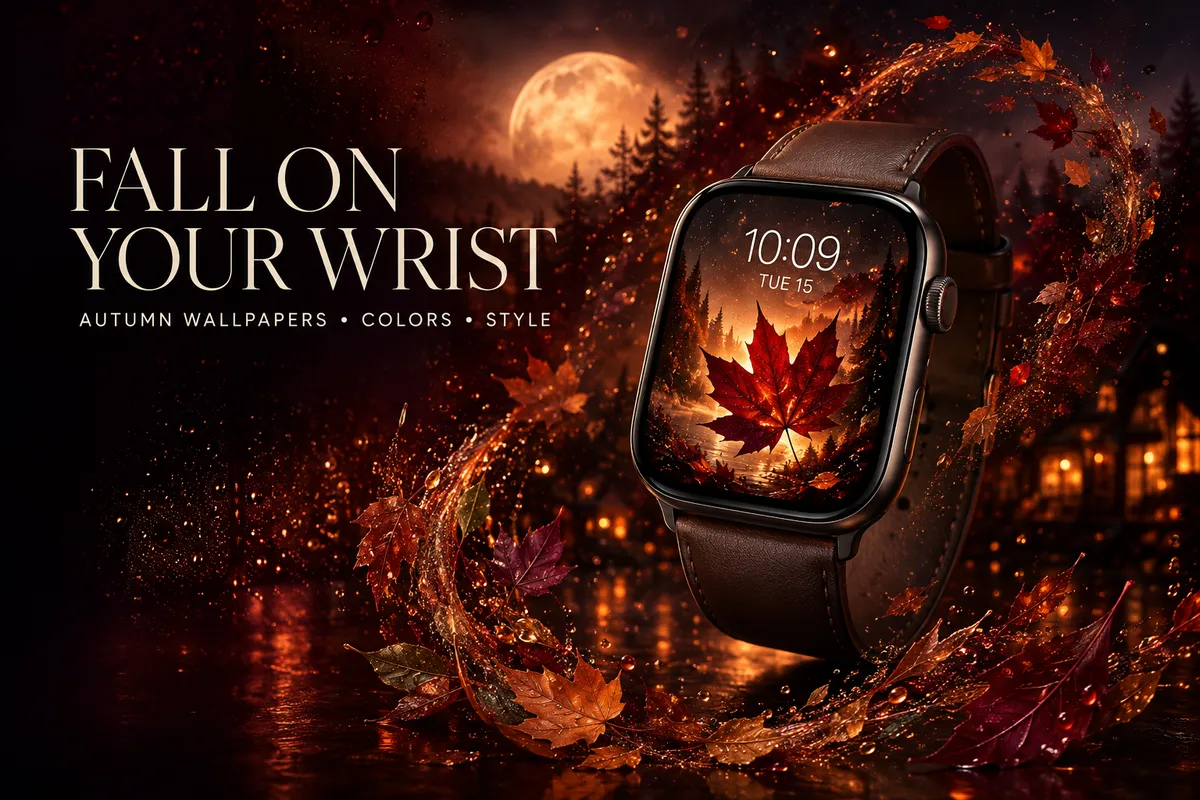
Apple Watch Fall Wallpaper: Best Autumn Designs & Cozy Aesthetics
- Why Seasonal Watch Faces Actually Matter
- Top 10 Fall Wallpaper Styles for Apple Watch
- Best Color Palettes for Autumn Watch Faces
- How to Set a Fall Wallpaper on Apple Watch
- Fall Watch Face + Band Matching Guide
- Free vs Paid Fall Wallpapers: Where to Find Them
- Resolution Guide: Size Your Fall Wallpaper Right
- Rotating Seasonal Wallpapers with Focus Mode
- FAQ
There’s something about that first crisp morning in September — the light shifts, the air cools, and suddenly your bright summer watch face feels completely wrong. You want warm tones, rich textures, maybe a few scattered leaves. An apple watch fall wallpaper does exactly that: it pulls your wrist into the season alongside everything else in your life.
I swap my watch faces at least four times a year, and fall is honestly my favorite rotation. The color palette just works better on a small screen than any other season. Warm oranges, deep reds, golden browns — they pop on both OLED and LTPO displays without looking oversaturated.
Let’s walk through the best autumn designs, where to grab them, and how to make your Apple Watch feel like a walk through October woods.
Why Seasonal Watch Faces Actually Matter
This might sound like overthinking a tiny screen on your wrist, but hear me out. Your watch face is the single most-glanced-at display in your life. You check it dozens of times daily — and switching to an autumn apple watch face when the season changes does a few interesting things:
- Micro-reset for your brain. A new watch face acts like a small signal that something has changed. Psychologists call this “context-dependent cuing” — your environment (even a wrist-sized one) can nudge your mood and mindset.
- Mood alignment. There’s a reason people swap home decor for fall. A cozy apple watch wallpaper with warm tones carries that same energy, just on a smaller canvas.
- Context switching. If you use different watch faces for work, weekends, and exercise, adding a seasonal layer keeps things fresh without disrupting your routine.
- Conversation starter. A beautiful fall watch face on your wrist gets noticed more than you’d think. People comment on unusual or striking wallpapers all the time.
Bottom line: seasonal wallpapers are a tiny, daily mood boost that takes about 30 seconds to set up.
Top 10 Fall Wallpaper Styles for Apple Watch
These are the styles that consistently look best on a round-cornered Apple Watch display.
1. Warm Falling Leaves
The classic. Red and orange maple leaves on a dark background, or a single detailed leaf filling the screen. This works as an apple watch fall wallpaper because organic shapes contrast nicely with the watch’s geometric frame. Go for macro photography over busy pile-of-leaves shots — the small screen rewards simplicity.
2. Pumpkin Spice Aesthetic
Flat-lay photos of cinnamon sticks, dried orange slices, mini pumpkins, and burlap textures. They lean into the “cozy fall” Instagram vibe and translate surprisingly well to a watch face. Warm browns and oranges read clearly at wrist distance.
3. Misty Forest
Fog weaving through autumn trees, with muted oranges and grays blending together. It’s the wallpaper for people who want fall without the “pumpkin patch” energy. Misty forest designs look phenomenal on the always-on display because the low contrast still reads as intentional when the screen dims. A great companion to an always-on display wallpaper setup.
4. Mountain Autumn
Wide-angle shots of mountain ridges covered in fall foliage. The layered colors — green at the base, orange in the middle, bare rock at the peaks — create natural depth on a small screen. If you like nature wallpapers in general, this one’s a no-brainer.
5. Harvest Moon
A large amber moon hanging low over a dark treeline. Nails the moody, late-October atmosphere. The key: the moon needs to be large enough to be the focal point — tiny moons surrounded by sky look empty on a watch screen.
6. Dark Academia
Leather-bound books, candlelight, dark wood textures, old library aesthetics. Perfect fall watch face material for anyone who thinks autumn means reading season. Rich browns and deep burgundy tones dominate. These wallpapers tend to look more “premium” than typical nature shots, which is a nice bonus.
7. Plaid & Tartan Patterns
Buffalo check, classic tartan, flannel textures. Pattern-based wallpapers are underrated for Apple Watch because they tile well and look sharp at any resolution. Red-and-black buffalo plaid is the obvious pick, but muted brown-and-green tartans feel more refined.
8. Rain Drops on Glass
Close-up water droplets on a window, with blurry autumn colors in the background. The bokeh effect adds depth, and the raindrops give a textured, almost 3D look to the display. Captures that “watching rain from inside” mood perfectly.
9. Golden Hour
That warm, amber light about an hour before sunset in October. Fields of tall grass backlit by golden sun, or sunlight filtering through autumn canopy. Golden hour photos are naturally warm-toned, so they work as an apple watch autumn wallpaper without any color editing.
10. Cozy Fireplace
Close-up flames, glowing embers, or a wide shot of a stone fireplace. The orange-and-black palette is high contrast, which makes complications (time, date, steps) easy to read. The ultimate cozy apple watch wallpaper for cold evenings when you just want warmth on your wrist. Keep the image tight on the flames — a full room shot gets too small to appreciate.
Best Color Palettes for Autumn Watch Faces
You need bold, distinct tones that read clearly at a glance on a 41mm or 45mm screen. Here are the palettes that work best for apple watch fall wallpaper designs:
| Color | Hex Code | Best For | Watch Face Pairing |
|---|---|---|---|
| Burnt Orange | #CC5500 | Leaf designs, pumpkin aesthetic | White or cream complications |
| Deep Red | #8B0000 | Maple leaves, dark academia | Gold complications |
| Forest Green | #228B22 | Pine forests, mountain scenes | White complications |
| Gold | #DAA520 | Golden hour, harvest themes | Dark complications |
| Warm Brown | #8B4513 | Coffee aesthetic, leather textures | Cream complications |
| Burgundy | #800020 | Plaid patterns, wine country | White or gold complications |
Quick tip: warm-toned wallpapers (orange, red, brown) look best with white or cream complications. Darker wallpapers pair well with gold complications for a touch of contrast.
How to Set a Fall Wallpaper on Apple Watch
If you’ve never used a custom photo as your watch face, here’s the quick walkthrough:
Method 1: Photos Face (Most Common)
- Save your apple watch fall wallpaper image to your iPhone’s photo library.
- Open the Watch app on your iPhone.
- Tap Face Gallery at the bottom.
- Scroll to Photos and tap it.
- Choose Custom Photos and select your fall image.
- Adjust the crop — pinch to zoom so the key elements sit well within the watch frame.
- Tap Add to save the face.
Method 2: Portrait Mode Face
If you shot a fall-themed photo in Portrait mode (a close-up of a leaf, a pumpkin, a candle), the Portrait watch face adds a layered depth effect where the time sits behind the foreground subject.
- Open the Watch app → Face Gallery → Portraits.
- Select your Portrait mode fall photo.
- Choose a complication style — Rounded or Full Screen.
- Tap Add.
Method 3: Directly from iPhone Photos
You can also open any fall image in your iPhone’s Photos app, tap the Share button, and select “Create Watch Face.” It’s the fastest path if you already have the image open.
Need a more detailed walkthrough? We have a full guide on how to change your Apple Watch wallpaper, and Apple also covers the basics in their official watch face support page.
Fall Watch Face + Band Matching Guide
A great fall watch face looks even better when it coordinates with your band. You don’t need to match perfectly — just stay in the same tonal family. Here’s what works:
- Leather bands — Saddle brown or tan leather pairs naturally with almost any autumn wallpaper. The texture echoes the warmth of fall tones on screen. Apple’s Hermès Leather Link in Brique (orange-brown) is one of the best fall combos out there if you can find one on resale.
- Nike Sport Bands — Nike drops seasonal colors like Olive/Cargo Khaki, Sesame/Starlight, and Desert Sand. These muted earth tones work perfectly with leaf and forest wallpapers.
- Orange & Brown Sport Bands — Clementine (bright orange) pairs well with dark wallpapers where you want the band to pop. Clay and Umber blend more subtly with warm-toned screens.
- Braided Solo Loop in Dark Cherry — Sits right between burgundy and maroon. Perfect with dark academia wallpapers, plaid patterns, or deep forest scenes.
For more on matching bands with watch faces across all seasons, check the full matching guide.
Free vs Paid Fall Wallpapers: Where to Find Them
You have plenty of options across different price points. Here’s where to look:
Free Sources
- Pinterest — Search “apple watch fall wallpaper” for thousands of results. Quality varies and most aren’t sized correctly, but the variety is unmatched.
- Unsplash — Professional autumn photography you can crop to watch dimensions. Search “autumn leaves,” “fall forest,” or “golden hour.”
- Your own photos. Even one good fall foliage shot from your iPhone makes a better watch face than most downloads because it’s your moment.
Paid Sources
- Etsy — Curated Apple Watch wallpaper packs. Fall bundles run $2-$8 for 10-30 images, pre-sized for different models.
- WatchWalls AI — Our generator creates custom apple watch fall wallpaper designs in seconds. Describe what you want and get a watch-sized image instantly. No cropping, no resolution guessing.
Quick Comparison
| Source | Price | Pre-Sized? | Unique? | Quality |
|---|---|---|---|---|
| Free | Rarely | Low (reposted) | Mixed | |
| Unsplash | Free | No | Medium | High |
| Etsy | $2–$8 | Yes | Medium | High |
| WatchWalls AI | Free/Premium | Yes | 100% unique | High |
Resolution Guide: Size Your Fall Wallpaper Right
Nothing kills a gorgeous autumn photo faster than pixelation or awkward cropping on your wrist. If you’re downloading or creating a fall watch face wallpaper, make sure it matches your Apple Watch model’s resolution:
| Apple Watch Model | Case Size | Resolution (px) | Aspect Ratio |
|---|---|---|---|
| Series 10 / Ultra 2 | 46mm / 49mm | 416 × 496 | ~5:6 |
| Series 10 | 42mm | 374 × 446 | ~5:6 |
| Series 9 / 8 / 7 | 45mm | 396 × 484 | ~5:6 |
| Series 9 / 8 / 7 | 41mm | 352 × 430 | ~5:6 |
| SE (2nd gen) | 44mm | 368 × 448 | ~5:6 |
| SE (2nd gen) | 40mm | 324 × 394 | ~5:6 |
All modern Apple Watch displays share roughly a 5:6 aspect ratio, so a single well-cropped image will work across most models. Make sure your source image is at least 500px on the shorter side for sharp results. When using the Photos face, watchOS handles some auto-cropping, but pre-cropping to your exact resolution gives you better control over what shows on screen.
Rotating Seasonal Wallpapers with Focus Mode
You can link watch faces to Focus modes so your apple watch autumn wallpaper activates automatically — and switches back when the season ends.
How to Set It Up
- On your iPhone, go to Settings → Focus.
- Tap the + to create a new Focus. Name it “Fall” or “Autumn.”
- Under Customize Screens, tap the Apple Watch section.
- Select the watch face you set up with your fall wallpaper.
- Under Schedule, set it to activate automatically — you can choose specific dates (September 22 through December 21 for astronomical autumn) or set it manually.
Pro Tip: Rotating Album
Instead of a single fall image, create a “Fall Wallpapers” album in your iPhone Photos with 10–20 autumn images. Then set up a Photos face using that album — every time you raise your wrist, you’ll see a different fall photo. Pair this with seasonal Focus modes for spring, summer, and winter so your watch dresses for the season automatically.
Looking for inspiration beyond fall? Our wallpaper ideas roundup covers every season and aesthetic.
Skip the search through Pinterest and stock sites. With WatchWalls AI, describe your ideal autumn scene — golden maple canopy, moody rain on a window, a crackling fireplace — and get a perfectly sized Apple Watch wallpaper generated in seconds. Every design is unique, pre-cropped to your watch model, and ready to wear.
Frequently Asked Questions
What resolution should my apple watch fall wallpaper be?
For the best results, match your Apple Watch model’s native resolution. Most current models use roughly a 5:6 aspect ratio — for example, 396 × 484 pixels for the 45mm Series 9. At minimum, use an image that’s at least 500 pixels wide. Anything smaller will appear blurry on the Retina display. If you’re unsure of your exact model resolution, crop your image to about 400 × 490 pixels as a safe middle ground.
Can I make my Apple Watch automatically switch to a fall wallpaper?
Yes. Use Focus modes on your iPhone to link a specific watch face to a scheduled automation. Create a Focus called “Fall,” assign your autumn watch face to it, and schedule it to activate between September and December. Your Apple Watch will automatically display the fall wallpaper during those months and switch back when the Focus deactivates.
Do fall wallpapers affect Apple Watch battery life?
Custom photo watch faces use slightly more battery than Apple’s built-in faces (like Modular or Typograph), but the difference is minimal — typically less than 2-3% over a full day. Darker autumn wallpapers (fireplace embers, dark forests) actually help on OLED displays because black pixels are truly off, using zero power. If battery life is a concern, choose a fall wallpaper with a predominantly dark background.
Where can I find free apple watch fall wallpapers?
The best free sources are Unsplash (professional autumn photography), Pinterest (huge variety but inconsistent quality), and your own iPhone camera. For pre-sized, ready-to-use fall wallpapers, WatchWalls AI offers a free tier that generates custom designs in the correct resolution for your specific Apple Watch model. Etsy also has affordable packs typically priced between $2 and $8 for bundles of 10-30 images.
What are the best colors for an autumn apple watch face?
Burnt orange, deep red, forest green, gold, warm brown, and burgundy are the strongest autumn palette choices for Apple Watch. These warm tones pop well on the small display and pair naturally with leather and earth-toned watch bands. For complications (time, date, weather), use white or cream text against warm backgrounds, or gold text against darker autumn wallpapers for the best readability.
